Category Archives: UNDERWATER VIDEO

Sony RX100 – In depth into digital settings

Over a year ago I wrote a set of posts for the RX100 and some of the quirks of this wonderful little camera.

Steadyshot – aka Image Stabilizer

The RX100 has a specific Active mode for video not available when taking stills. I described the differences between those two modes in this post

Everyone is so obsessed of having the widest possible field of view that other more important considerations are completely missed out.

If you have ever shot a video with a GoPro underwater you know how bad is the quality of the image in the corners, this is because the flat port combined with the gopro lens create many optical aberrations.

Our RX100, especially the original Mark I, also has an issue in the corners, this is not just an underwater issue is also true on land. The lens on the camera has a lot of distortion and when corrections are applied to the image this effectively creates corner softness.

When we add a wide angle lens the image quality in the corners deteriorates further especially if the lens is flat creating a lot of chromatic aberrations that you can see in pictures with a blue or yellow halo around the edges.
Standard Mode
Standard Steadyshot

Now the good news the Active steady shot mode crops the image of a factor of 1.15x getting rid of the majority of the corner softness.

There is of course a price to pay which is the loss of some of the angle of view. According to my calculation if you use an Inon UWL-H100 you start from more than the declared 100.8º more around 104º in fact. When the active mode is on this drops to around 95º. Remember all those values represent the largest incident angle that means the diagonal field of view.
Active Steadyshot
Active Steadyshot

A lens with 100º diagonal field of view means 90º horizontal. So after the active mode is engaged our horizontal field of view looks more like 84º which is equivalent to a 20mm lens. This is sufficient for most close wide angle shots and plenty for ambient light videos of large fish or wrecks. I generally suggest to keep the Active mode on, of course if you can be in a fixed position and hold the camera really steady you can also use the standard mode and obtain more field of view. There is a chance though that you will need to crop the extra field of view if you need to stabilize in the editing phase.

For macro shots without a tripod the steadyshot is a must and helps greatly. I do not even see a reason to take it off if you have a tripod as the RX100 does not have a particularly small capture area.

Digital Zoom

This brings the second subject: digital zoom, if you shoot pictures you avoid it as what you are doing is to crop the image, something you can do yourself in processing. In video though there is very little quality loss as we use just 2 megapixels of the 20 of the RX100 camera. In my test you can use digital zoom until the 2x multiplier is reached, this corresponds to 7.2x magnification and see no noticeable degradation in the image quality. The other benefit is that the depth of field is the same despite the magnification so you can save yourself stacking two diopters with all the difficulties that follow in terms of focus.

Max Optical Zoom with UCL-165

Digital zoom is always on in video mode and I recommend to use it with a single close up lens before embarking on dual diopters or a strong single diopter. Also take into account that with a single +6 diopter your working distance is around 4″ which is ideal for most critters except pygmy seahorse and bobtail squid or some shrimps.

Digital Zoom 2x with UCL-165

Video Lights

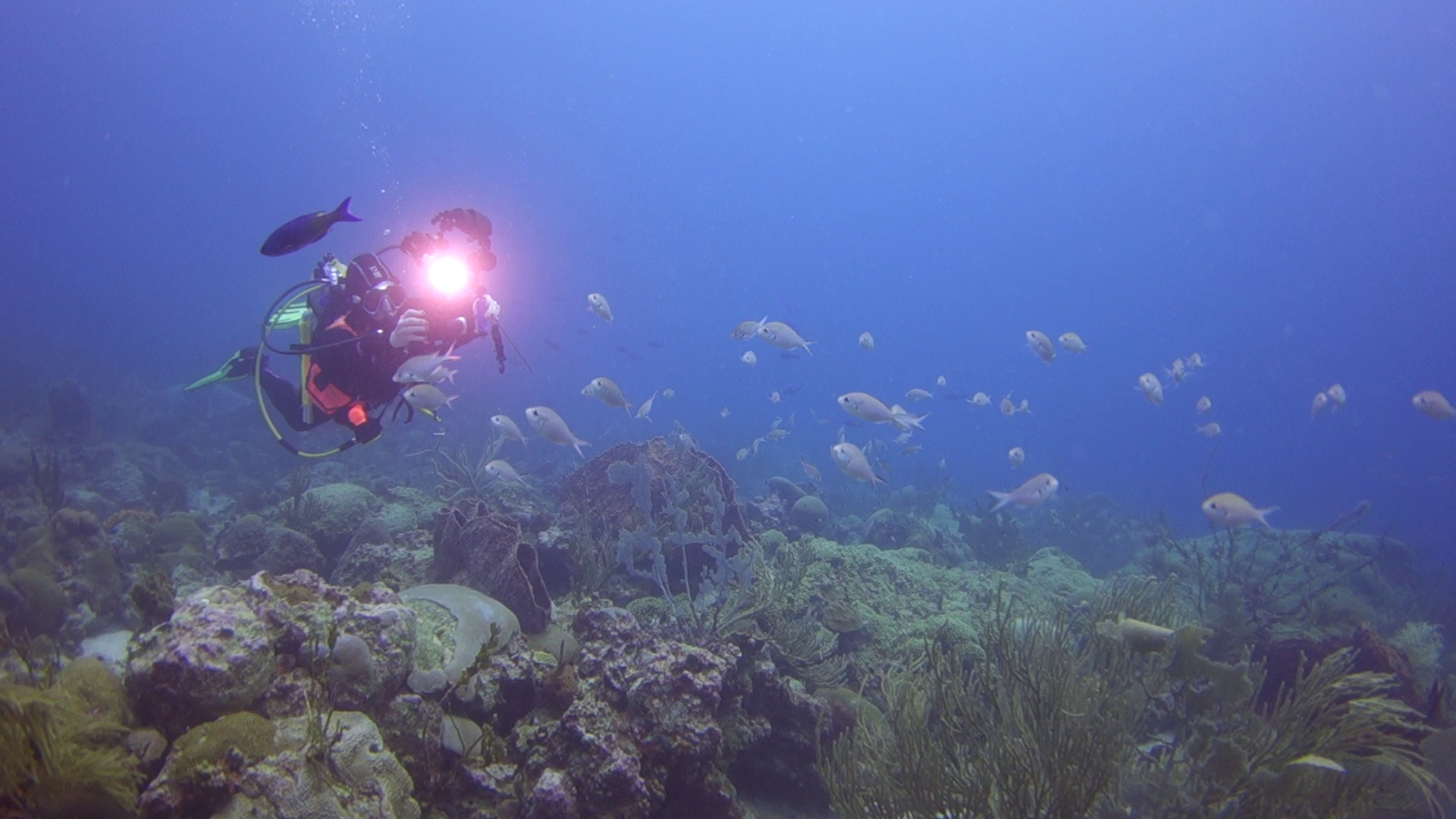
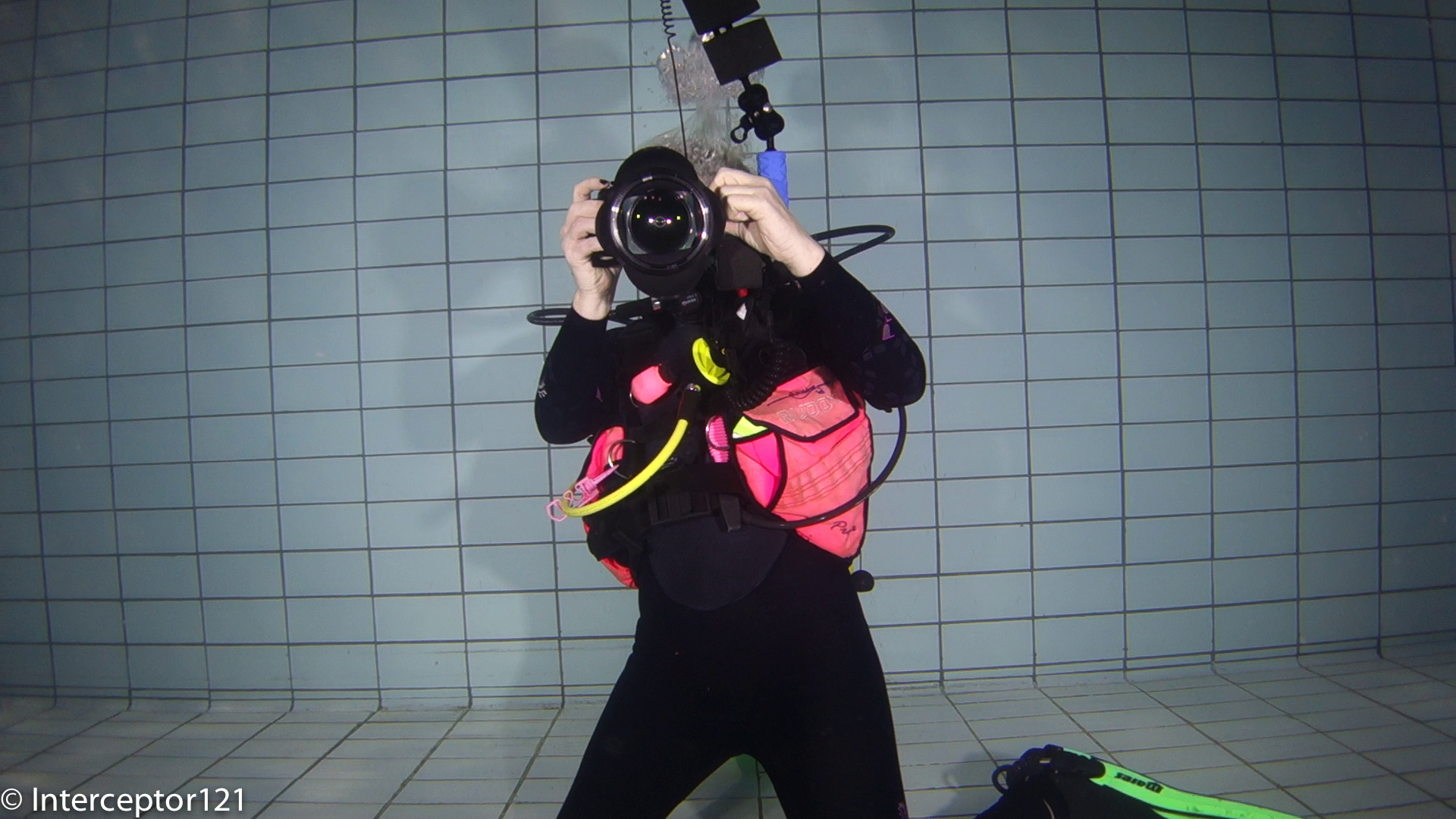
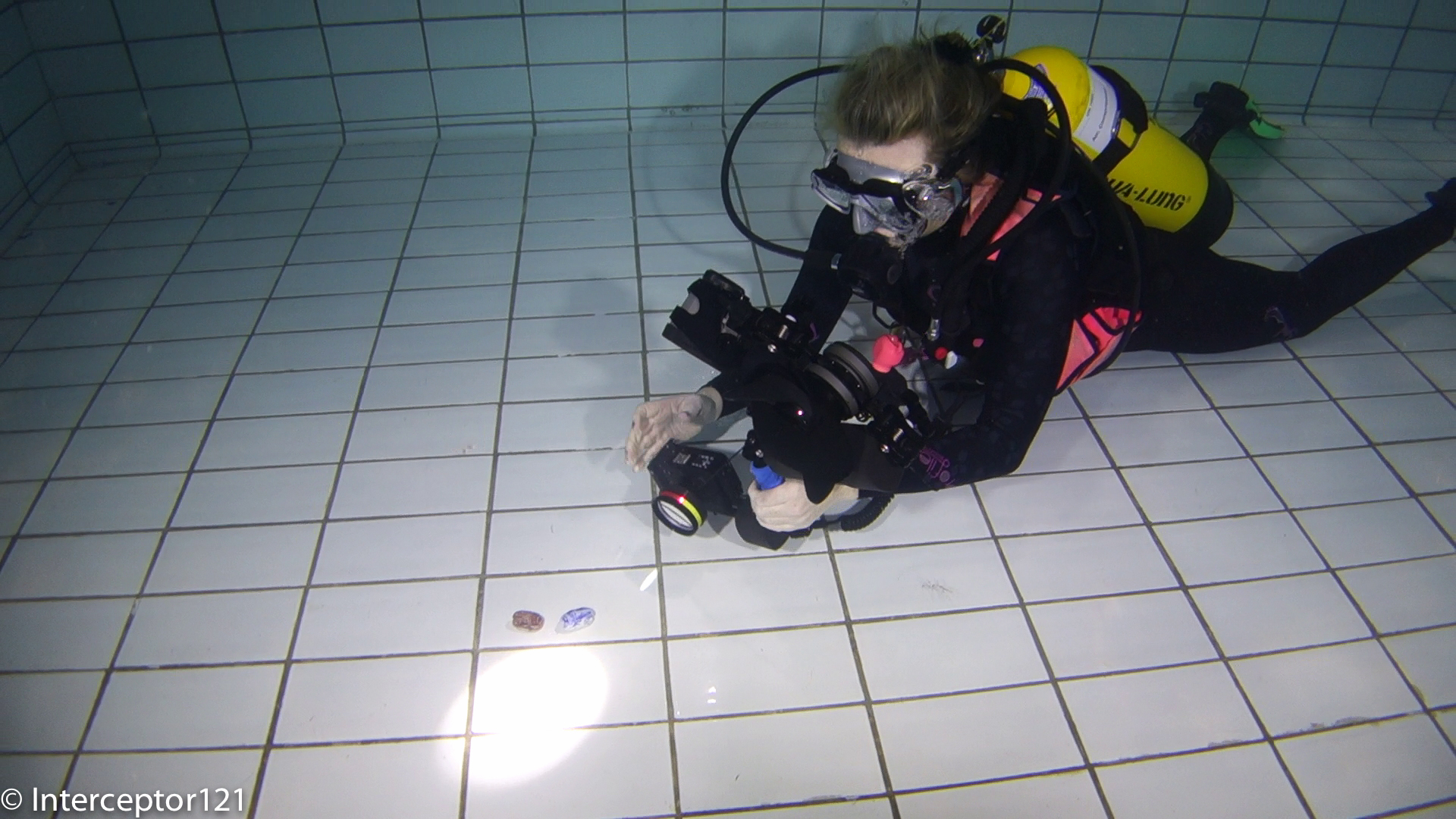
In another post I have explained that getting hung up about light angle coverage is not really the only thing to consider, there is also luminous flux and quality of light. With my Sola 1200 I can cover something between 2 and 4 feet away with decent results further away is just back scatter. Generally this is ok for some close portrait work and close wide angle and of course not sufficient to cover part of a wreck or much larger subjects. You may decide not to bother at all with lights for wide angle and just render your deep wreck dives in black and white in this case consider that a pair of Sola Dive 800 at $399 are a high quality macro set up, function as dive light and provide some decent close wide angle portrait illumination. For macro shots you need much less than that, I set my fill light at minimum (300 lumens) and the main light at 2/3 which is 600 lumens, I can shoot at f/11 with this light intensity. You can see me shooting in the feature image.

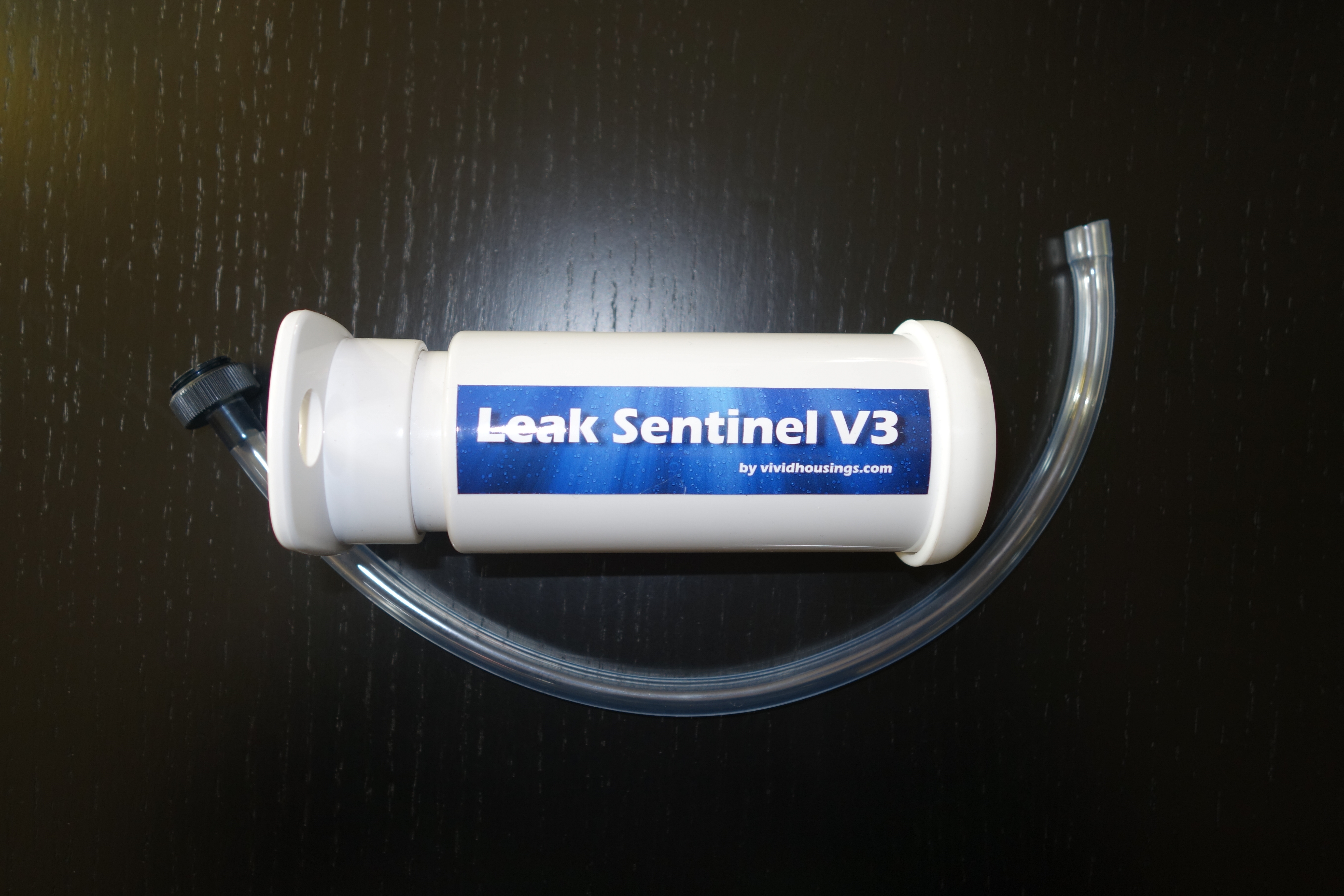
Leak Sentinel V3 for RX100 Mark II – Review and Stress Bench Test

Following the failed test on the Nauticam Electrical Sync Cord bulkhead I was out in the market to check what else could be done with the M16 port on the RX100 Mark II housing.

I bumped into the leak sentinel while at the London Dive Show. As you may know Nauticam provides now a vacuum system with temperature compensation on all new micro 4:3 and DSLR housings. Also older models can be retrofitted but not the RX100 because essentially the moisture sensor is much simpler.

So if the Nauticam housing has already a moisture sensor why bother adding a vacuum test. The advantages are numerous:

  1. A moisture sensor still requires the housing to be put into water to be tested
  2. A moisture sensor starts beeping when water has already made its way into the housing, if you are in a situation where you have a mandatory safety stop or a deco stop you don’t want really to have the additional stress of a camera flood.
  3. With a leak sensor you can check the integrity of the housing before the dive and without putting it in water
  4. You can rapidly change battery and the likes and not worry if you have compromised the seal of your housing

With all of this in mind I went off and contacted Vivid housings

After an email exchange about the design of the product I was convinced that it was worth getting it so I ordered one and after just 3 days it turned up in my post directly from Slovenia.

The system comes with an M16 adapter to screw on the housing bulkhead. The best way to remove the cap on the Mark II housing is using a CR2032 battery like the one of the moisture sensor.

I set up the system on the housing as in the featured image and started my preparation. It takes 3 pump strokes to get a green light and the instructions say to add between half and a full stroke to make sure it is not on the edge. I had 4 full strokes.

I prepared the housing and camera in a room at 21C and waited 20 minutes before putting it in water at 15C.

I then put the camera in video recording mode for one hour, the Rx100 has a limit at 30′ so I had to record two files. After one hour the system was still showing a green light I took it out of the water and follow the depressurization procedure and extracted the camera. Measuring the temperature inside the battery compartment the sensor indicated 28C.

Now this made me think to the fact that this solution, although equipped with a temperature sensor, does not actually manage temperature compensation. If you know anything about physics you know that the following is true for an  gas also known as Gay Lussac law

the pressure of a gas of fixed mass and fixed volume is directly proportional to the gas’s absolute temperature

As our housing is rigid and not compressible this means that the ratio between temperature and pressure is constant.

This also means that if the temperature increases because the camera warms up with use the vacuum will drop (pressure increases), this could create a false positive.

I therefore performed the following steps

  1. I immersed in water at 32C and started shooting a video clip.
  2. After around 50 minutes the led started to alternate red and green. The camera has the temperature warning indicating a possible temperature close to 40 degrees
  3. I kept the camera in water pretty sure there was no leak and then at 60 minutes took it out of the water
  4. After few minutes outside water in a room at 21C the light went back to green
  5. The camera temperature in the battery compartment was 36C
Water Temperature Measure
Temperature warning
Temperature warning

The ambient pressure was 1016 mpa so I estimate I created around 750mpa inside the housing with 4 full strokes, however as the camera sustained an increase of 19 degrees from 21 to 40 the pressure sustained an increase of 6.5% bringing it in the warning area of the leak sentinel and generated a false positive.

Now there are a few considerations to be done:

1. If you shoot pictures even firing the flash is unlikely to get the camera as hot as when you shoot video
2. The water in the dive will seldom be 30C anyway
3. It is preferable to prepare the camera in a temperature as close as possible to the diving temperature and in the driest environment available
4. It is possible to estimate the amount of vacuum each pump strokes gives and compensate for the temperature changes

The worst possible scenario is a video camera housing prepared in an air conditioned environment this is the only scenario where temperature compensation is useful.

Generally the suggestion of the user manual to give one or half pump strokes should be changed. Say that I have a large housing and it takes 10 strokes to create the vacuum, I would suggest another 3 strokes is diving in warm water otherwise the possibility of false positives is increased.

Vacuum Pump
Vacuum Pump

For what concerns the RX100 and only for very warm water shooting a lot of video there is a theoretical possibility that the camera overheats, and if the housing had been assembled in a much colder room, this gives a false positive.

To minimize this possibility prepare your housing at the normal ambient temperature of your dive site is generally the best practice for tropical diving. I also do not recommend practices like preparing your housing in a cold air conditioned cabin, some people think they avoid condensation not thinking that a 20+ degrees thermal shock does do any good to the camera.

Ultimately at €200 including worldwide shipping I can definitely recommend the leak sentinel to all RX100 users. Considering the cost of your investment even at the price of the RX100 Mark II of $750/£649/€699 this is a good tool and more than anything give you the extra reassurance of having a watertight housing, and also helps you in all your situations where you have a battery change or you have to open the housing before the end of your day.

Choosing a video light for your Underwater Video Rig

I thought of writing a brief article about video lights.

In the last years LED lights have become incredibly cost effective and there are many products on sale that look promising and cheap.

A special mention goes to the GoPro a very cost effective option for underwater video plagued by poor performance in low light. The GoPro market seem to have injected new life into the video light marketplace and of course calls for products that are not expensive in line with the typical profile of the GoPro user.

There are many examples of footage with what you would consider powerful lights that actually do not look that bright or even nice, why is that?

Lights are now measured in Lumens which is the SI unit of measure of luminous flux a light is said to emit one lumen if it emits one candela over a solid angle of one steradian. This sounds all very complicated and not very helpful so let’s try to make some sense of this.

Usually when we go an buy a light we are given three key pieces of information:

  1. Lumens – this in a way is considered the power of the light*
  2. Beam angle – this is the maximum horizontal beam that the light can cover – note this does not relate with solid angles but is merely a 2D view
  3. Color – this represent how white is the light, a good light should not exceed 6500K which is what is considered a day light white

*we will see that this is actually incorrect

Let’s have a look at a typical best buy the Archon Video Light W38VR, this light is declared to have the following:

  1. 1400 Lumens
  2. 120 degrees beam angle
  3. 5000K temperature

Looking at the specifications this looks like a very warm (5000K) wide beam light and very powerful so how comes that with a subject at one meter or 3 feet distance this light seems to have no effect on a bright day?

The reason is that lumens are not a real indication of the amount of light that hits the subject but just the total light emitted which includes the light that illuminates the water between us and the subject that we actually are not interest at all in illuminating.

If you had to do a video production in studio you would be looking at intensity of 1000 lux where a lux is measured in lumens/m2. The lux is the density of light that hits a flat surface at a given distance.

With a few calculations we see that the Archon light because of the very wide beam is effective at two feet and produces around 1200 Lux which is great however at 3 feet this drops to 550 Lux which is not that great.

Many times when comparing the new cheaper lights to expensive lights like Sola or Fix  despite the less nominal lumens declared the sola or fix seem brighter at the same distance.

So let’s evaluate the lux produced by a Sola 1200 a light much more expensive than the Archon with only a 60 degrees beam.

At two feet the sola produces around 4000 Lux which would nearly tan a fish, at 3 feet it still produces nearly 1800 Lux dropping to the studio value of 1000 Lux at a distance of 4 feet or 1.2 meters. This is because the illumination is in a smaller and narrower beam and is like the light was more dense.

Of course this has the disbenefit of a narrower beam so we need to step away from the subject in order to cover it properly, this diagram gives an idea

Typical Wide Angle Light Set up

The two set of lines contain the video lights beams, we can see that those beams cross and them keep as combined angle of coverage the same beam of the lights themselves, that is the ideal spot for our lights as there are no shadows there.

Another consideration is the angle of coverage that we need for our camera lens to follow the lights, two 60 degrees beam lights actually cover a 100 degrees diagonal lens or 90 degrees horizontal lens typical of a 18mm lens. The GoPro and all compact cameras with a 100 degree lens fall in this group.

Another consideration to be done is that due to the light angle of coverage there is a minimum distance to be kept if we want to avoid our subject to be in the shade, this minimum distance depends on the light beam and the distance between them.

Once you get closer than one foot it is not necessary anymore to point the lights forward as the amount of water is limited and the lights can be pointed directly at the subject like in this example

Monopod front Macro Light Position

So assuming we want to be at a distance of one foot or 30cm how far do the lights need to be?

For a 60 degrees beam the lights need to be 36 cm away or around 12 inches. For a light like the Archon with 120 degrees beam the distance between the arms needs to be 1 meters or 40″. Considering a tray is around 30 cm or 12″ this means you need arms at least 13″ in order to cover something at one foot and to cover a subject at 2 feet you need two meters distance that means again 33″ worth of arms.

What happens if you only have the tray with the lights on and your subject is at 3 feet with two very wide video lights of 120 degrees beam?

  • You illuminate already after 3″ from the camera
  • The two lights emit 550 Lux that combined are not such a small output

The net result is that a lot of the water in front of the subject is illuminated and this creates backscatter where all the silt in the water gets reflection and ultimately deteriorates the quality of the footage.

If you ever wonder why underwater photographers that shoot super wide have two 16″ arm segments this is why the want to avoid backscatter with their 110 degrees strobes and still be around one foot distance with their fisheye lens.

So what are the conclusions that we can draw:

  1. A wide beam light is only good if you have long arms, the wider the beam the longer the arms otherwise the beams just light up the particles in front of the subject producing backscatter
  2. Lumens are not a real indication of the effectiveness of the light per se but need to be taken into account with the beam angle and a lux calculation needs to be performed you want to aim for 1000 lux at the distance of choice
  3. Light beams need to be evaluated together with the camera lens horizontal field of coverage 60-80 degree beam angles are adequate for most of the video rigs out there and more is only justified for fisheye type of lens not commonly used in video

I hope you find this information useful and get in touch if you want to discuss, the subject is not that simple!

Barbados: First Sony RX100 Mark II Feature

So after a few months since I got the Nauticam housing I finally had the time to get in the water and try it on.

I was in Barbados for a week and although the diving was not exactly outstanding I did have enough to test the camera behavior.
The link to the videos are here for YouTube at 1080p

or if you prefer Vimeo at 720p

The footage was all taken at 1080p50 the highest mode of the RX100. The RX1oo can work in both PAL and NTSC standard but I chose the PAL mode just to avoid the annoying NTSC message at startup. The clip has been edited with iMovie 9.0.9 and then exported in 1080p25 using Xencoder codec for quicktime in high profile. Youtube then reconverts it to its own specifications, but at least I have the highest possible starting point.

As mentioned the RX100 shoots at shutter speed of 1/100 in 50p mode and this suited me fine in case I wanted to produce a 60p clip for viewing on the computer as currently no online system supports it.

As discussed in the previous post I shot all wide angle in camera Program mode. This allowed me to use the left control wheel button to call the white balance set menu that in video is not available. I set the picture format to 16:9 so that would show similar on the screen. I did notice that when I actually started the movie recording the crop of the active steadyshot kicked in with a reduction of field of view of around 9 degrees or a 1.14 zoom equivalent.

However the active steady shot was well worth it as I have not used any stabilization for any part of this clip and therefore not introduced any extra cropping.

The wide angle shots with the RX100 are an absolute breeze when you use a filter and there is no need for custom white balance until it gets too deep to actually use a filter. I struggled getting decent results with custom white balance, the 9900 K error came pretty much every time except when in shallow water and balancing on sand. Also the results were off with too much magenta tint to the point I had always to correct it.

Ultimately I kept the filter and the camera in Auto White balance and did not bother doing a custom reading at all. The results were excellent.

SS Stavronikita
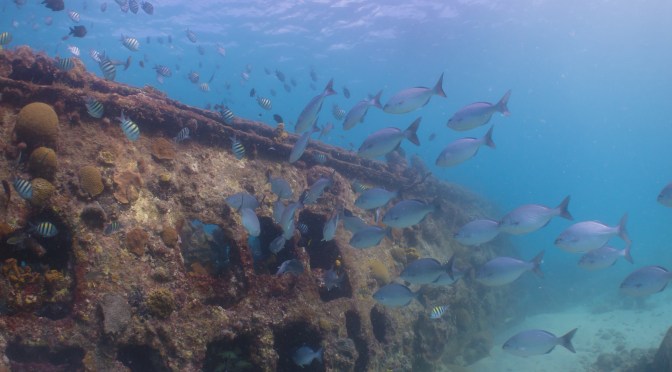
SS Stavronikita AWB

In deeper water the filter started making the image a bit dark so I took it off and used a temperature setting of 9900K with Magenta and Amber at the maximum.

For close up at distances over 20cm I still shot in program and had good results. When getting super close or macro I used Movie mode in Aperture priority mode with aperture set at f/11. Towards the end of the clip you can see a shot of a small pink frogfish that is done like that. The close up on the eye is shot with two stacked Inon UCL165 the depth of field is really small as you can see but still workable considering I hand held the camera at all time.

Pink Frogfish f/11
Pink Frogfish f/11

When I shot this arrow crab I had left the camera in program mode so it chose an aperture of f/5.6 you can see that whilst the mouth is in focus the arrow is not

Arrow Crab
Arrow Crab f/5.6

Similar situation with the pedersen shrimp where not everything is sharp in focus

Pedersen Shrimp
Pedersen Shrimp f/5.6

Obviously I am being very exigent with my footage and in normal condition this is already good to very good.

So what I liked and what I did not like about the RX100 Mark II:

I liked:

  • The ergonomics and ease of use are outstanding
  • The camera performs incredibly well with a filter in auto white balance
  • The manual focus with peaking works extremely well
  • Dynamic range and colors are outstanding and not just for a compact
  • Image crisp even in the corners at f/1.8 compared to the Mark I this is extremely significant
  • The active stabilizer was great and meant to manipulation in post
  • Battery life is incredible
  • Performance in low light is excellent and better than the Mark I the camera never reached the ISO MAX of 800 I had set hitting a top of 640 at 30 meters
  • Autofocus at wide end in bright conditions is superb

The only think I hated was the custom white balance results an absolute disgrace, to the point that there is no benefit doing it. Not only that the few parts of the clip I had used it and correct it were still a bit off and required correction in post to a small extent.

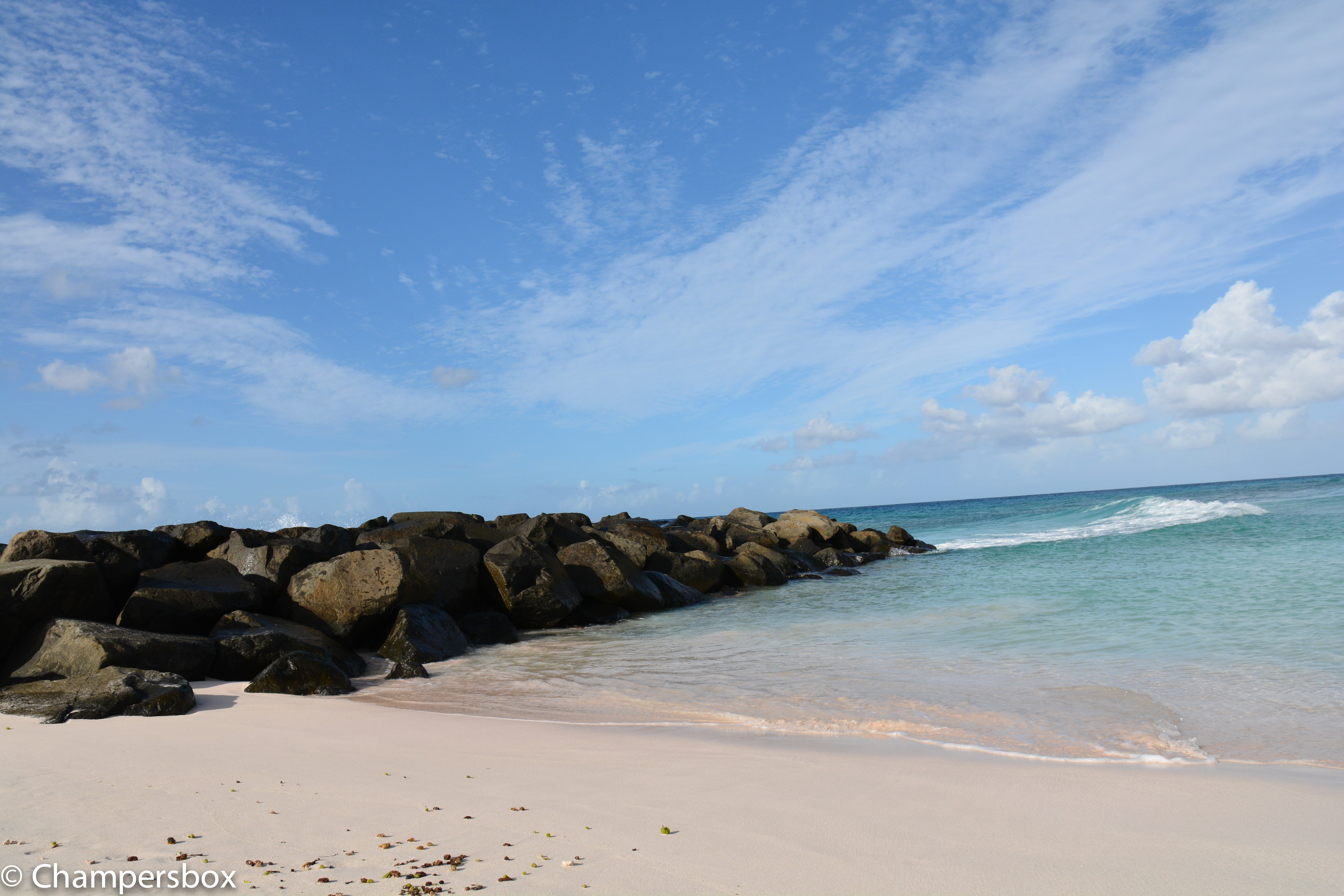
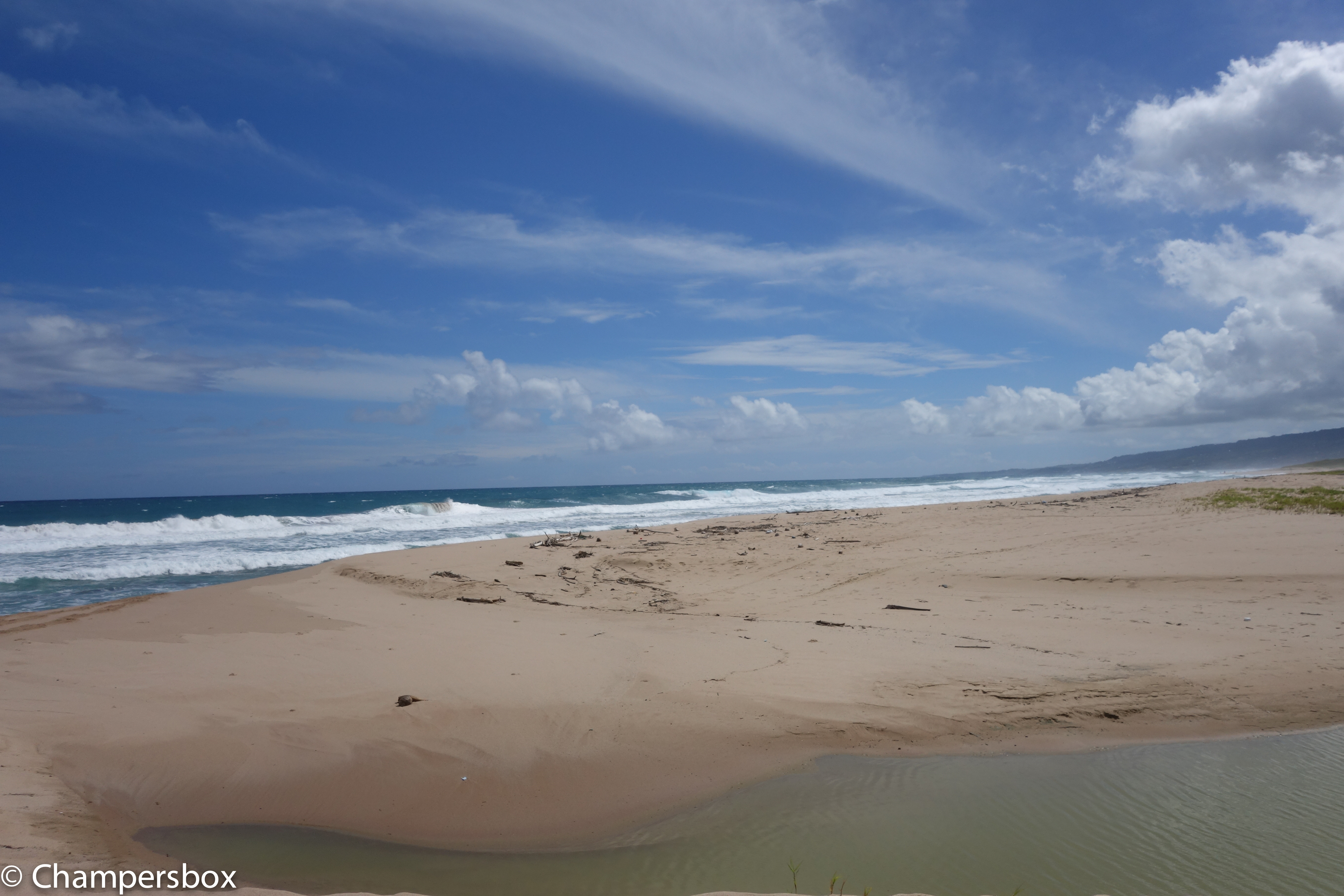
Also to consider some of the topside capabilities of the RX100 Mark II just to give an idea though this is not exactly the same location have a look as this shot with a Nikon D7100 with sigma 17-70 in comparison with the RX100 Mark II

Nikon D7100 Beach Landscape
RX100 Beach Landscape

There is a difference but considering the size of the RX100 and the fact it fits in a pocket I don’t think there can be that many complains. Obviously once you look at specific lenses for the DSLR things change but in the 28-100mm all purpose range I would say that the gap is not as much as double as the price of the two set ups.

So is the Sony RX100 the best compact underwater video set up? Definitely

Is the Mark II better than the original RX100? Yes and well worth an upgrade for video

How does it compare with the Panasonic LX7? The dynamic range and the colors are superior and produces footage that is simply better and sharper. Where the LX7 excels is at macro in clear waters, this is not because of magnification as the RX100 and LX7 perform exactly the same with diopters, and this is because of the LX7 amazing autofocus. However with a bit of silt or other objects in range there is need to switch to manual focus and there the RX100 is actually superior when using peaking even if the depth of field is actually less, the manual focus on the LX7 with the magnifier is not as good unfortunately.

So my ranking for video is:

1. Sony RX100 Mark II

2. Panasonic LX7

3. Sony RX100

I would also add that for stills the LX7 is even more rewarding at macro range due to the performance of autofocus.

Any questions please drop a comment

Underwater Video Tips: Best video settings for Sony RX100

It is not a mystery that the RX100 is capable of shooting excellent video. In fact in some comparisons with SLRs cameras there is little to no difference in the footage quality. The RX100 has many settings and options so which ones are important for underwater video? I will go and explain those that I find useful.

RX100 Video Behavior

Although the RX100 offers full manual control in video this option is not as useful as it seems. Now that many video editors support AVCHD progressive the 50p or 60p options are the more relevant as the footage can be slowed down to half speed and still offer a standard frame rate (50/60p at half speed is 25/30p).

The RX100 shoots video in program mode with shutter speeds of double the frame rate so 1/100 for PAL and 1/125 for NTSC that is excellent news. The camera will then drop to 1/50 or 1/60 when the max ISO is reached which is still acceptable. In Movie Program mode the camera shoots at the lowest possible ISO for the set shutter speed at the widest required aperture. The RX100 has a minimum ISO in video of 125 and the RX100 has it at 160, which is quite high.

Shooting Wide angle

I shoot all my wide-angle footage with the camera in Program Mode. By that I actually mean Photo Program Mode. Pressing the movie button in P mode results in the same behavior that shooting video in P mode. In order to be able to frame correctly I set the image format to 16:9 also for stills. This is also useful to capture ambient light landscapes. I started shooting in P because this allowed me to white balance quickly however I found out that the custom white balance on the RX100 Mark II is a total disaster and in fact I never use it as it gives weird results. I shoot with a red filter with Auto white balance on until approximately 25/27 meters and then I move to White Balance set to K (colour temperature) 9900K Tint set to M7+Y7. When shooting with lights I also use auto white balance. Generally speaking I only use the movie button and the white balance settings for wide angle.

Deep Wreck in Program Mode

Shooting Macro

When shooting with diopter at tiny subjects focus with the RX100 is a challenge. I set my video mode to Aperture priority with an aperture of f/11 and Auto ISO, the camera will always keep a shutter speed of double the frame rate which is ideal. If you light the subject properly the RX100 will always shoot at the lowest ISO maybe at 200 but not more. I use auto white balance for all my macro. I find it convenient to leave the video mode like this so that I only have P for wide angle and Movie – Aperture priority for video. If you prefer you can set those as memory recall 1 and 2 but I find that not as useful except you don’t need to use the control dial.

Frogfish at f/11
Frogfish at f/11

Settings for the Function Buttons

Many features that can be assigned to the function button are not available in video or not useful. I only have 4 settings in the function wheel:

  1. ISO
  2. Metering Mode – Always on evaluative
  3. DRO – I set it to auto
  4. Focus Mode – in video only constant and manual are available

To be perfectly honest I rarely change any of those except for testing the camera exposure. Even the metering mode can be left to evaluative all the time as when you shoot macro the area is so small and evenly illuminated that I have never had an issue with exposure.

Settings for the Control Wheel

I use the following assignments and I find them very useful:

  • Left: White balance
  • Centre: Manual Focus Toggle
  • Right: Exposure Lock

The bottom arrow is always assigned to exposure compensation and can’t be changed I set it to -0.3 eV all the time.

White Balance

The performance of custom white balance with the RX100 Mark II is shocking worse than the original RX100, 9 out of 10 I get a white balance error and the results are usually off with too much magenta. The only occasions where I do not get an error is in 6 meters or water (20 feet) on a sandy bottom. In other conditions it does not matter if you try with sand, tanks, hand, slates the outcome is shocking. The results can be used changing the tint to an M2 or even zero but generally using a filter and auto is just much easier and better. I assign the K setting to 9900K M7 for shooting at depth, This is painful because it means that unless you have a flat lens like an Epoque or Inon you can basically forget shooting video with the RX100 as the custom white balance is erratic at least.

The Inon UWL-H100 has only one red filter that is compatible and is made by deeproof. I find this filter excellent though I prefer plastic to glass I have to say it works a treat.

Results with White Balance Error 9900
Results with White Balance Error 9900 Note the Magenta tinge
Similar scene with auto white balance and red filter

Focus

The RX100 focus automatically on the center when shooting video and does it very well,. Tracking focus is not as useful and by assigning the center button to manual focus it can be eliminated. When shooting macro it is essential to use peaking. I set it to low with white color. Generally with diopters there is only one focus distance so I move the camera until the peaking shows nice white and then press record trying to be steady. That’s pretty much it.

DRO

I keep the dynamic range optimizer to Auto. This means the ISO is most of the times set automatically to 200 to preserve dynamic range. When the scene is perfectly lit the ISO is chosen to be 160. I don’t see much difference between ISO 160 and 200 but if this bothers you set the DRO to off which means the camera will mostly shoot at ISO 160 in good light conditions.

ISO and Max ISO

I set the ISO Max to 800, having analysed a lot of my footage I have not found one example where the camera shot at ISO800 yet unless I had a filter and was at 30 meters. However I prefer the camera to drop the shutter speed and keep the ISO to 800 instead of going all the way down to 3200.

Zoom

In video the RX100 activates digital zoom even when you set it to off. This deteriorates the image so you need to pay attention that the middle notch corresponding to 3.6x is not exceeded or you will see artifacts in your footage.

Stabilizer

I use active steady shot thought this reduces the field of view as it does help with shake quite a lot with macro footage.

Other Settings to disable

There are a number of settings that are harmful in video either because they use battery or because they are counter productive I disable them all list includes:

  • Smile / Face Detection
  • Picture effects
  • Audio recording ( I do not like bubble sound)
  • Wind Noise Reduction

The following are only relevant for still but I like them off regardless.

  • AF illuminator
  • Red eye reduction
  • MF Assist

Sony RX100 – Which close up lens gives real macro?

As we know the Sony RX100 cameras, we will refer to both Mark I and II as the lens is the same, do not offer the best out of the box super close up performance.

To be clear no compact camera really does macro, as no compact can capture an area 36×24 mm in size without being on top of the subject and having a shadow cast on it.

The RX100 however are particularly unexciting as the capture area is pretty large at 76x51mm at the minimum focus distance of 5cm. This means a reproduction factor of less than 1:2 so things are half life size in traditional terms.

In water the minimum focus distance increases and so does magnification so performance is all in all the same.

This means that a typical small subject like a medium size nudibranch measuring 4cm will fill a bit more than half the frame, not great.

The problem can be addressed by close up lenses that have a set power that determines the focal length and working distance where we can use the full camera zoom.

So the close up lens sets the working distance whilst the camera zoom sets the magnification.

A typical close up lens will have a power of 5 or 6 diopters with a working distance in water of 200 or 165mm, what does it mean for the RX100?

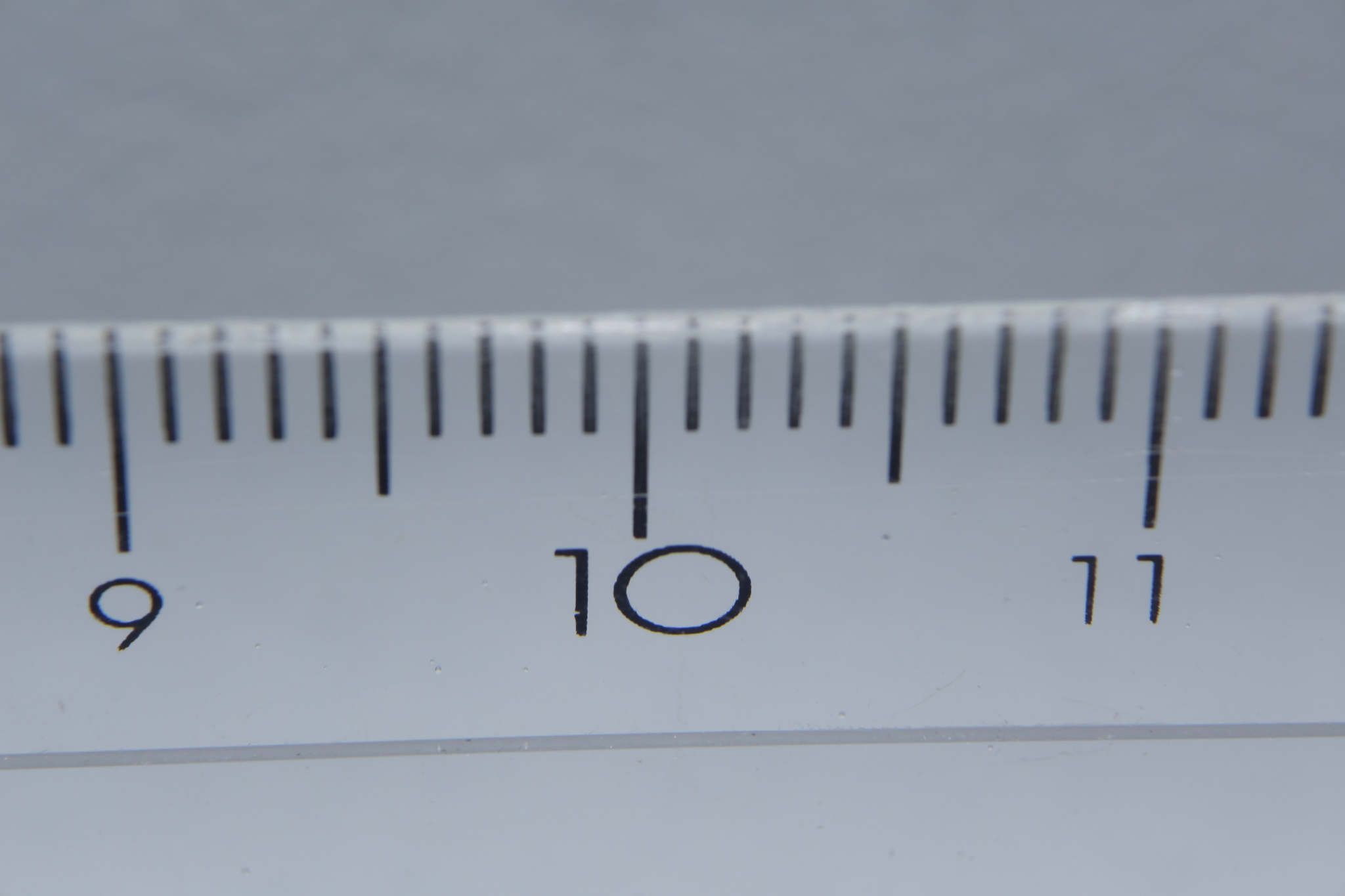
I have done some testing in water using a ruler and an Inon UCL165 this is the result:

Single +6 diopter Inon UCL165

Our capture width is now 46mm so our 4cm nudibranch will nearly fill the frame. The working distance of this lens is 165mm so this is a very versatile solution as most critters have no problem being approached so close.

What happens with a +10 close up lens with a focal length of 100mm, this is another test

+10 Diopter UCL100
+10 Diopter UCL100

A +10 diopter like the Subsee or Inon UCL100 achieves exactly 35mm so life size macro. However a lens like this will not focus at longer focal distances without zooming out, furthermore there are plenty of subject that do not need this magnification.

Close up lenses can be stacked so this is the result of two + 6 diopters

Two stacked Inon UCL165

The width is now 32mm which is 1.1:1 so more than macro. This is adequate even for pygmy seahorse and with the incredible resolution of the RX100 cropping is not a big issue. Working distance is around 8.5cm which is still tolerated by small critters.

For completeness I have also tested a +16 combination

16 Diopters
16 Diopters

At around 26mm this is 1.4:1 so real super macro, the working distance is however only 6.25cm which is really close and will scare most critters away.

Conclusions:

  1. Without any close up lens the RX100 can only capture 5cm objects without extensive cropping
  2. A close up lens with a working distance of 165mm allows for most of the critters we consider small but without super macro effects unless cropped
  3. Two stacked +6 diopters offer super macro and can also be cropped for more suggestive effect
  4. A single +10 close up lens achieves real macro however it is not versatile enough for every day usage
  5. Stacking lenses does introduce chromatic aberration but this can be eliminated in photos and is barely noticed in video

Pay attention when you select your close up lenses that the focal distance that is in the specification is measured in water otherwise you will find yourself with a useless purchase

Sony RX100 Mark II – Nauticam Housing Review

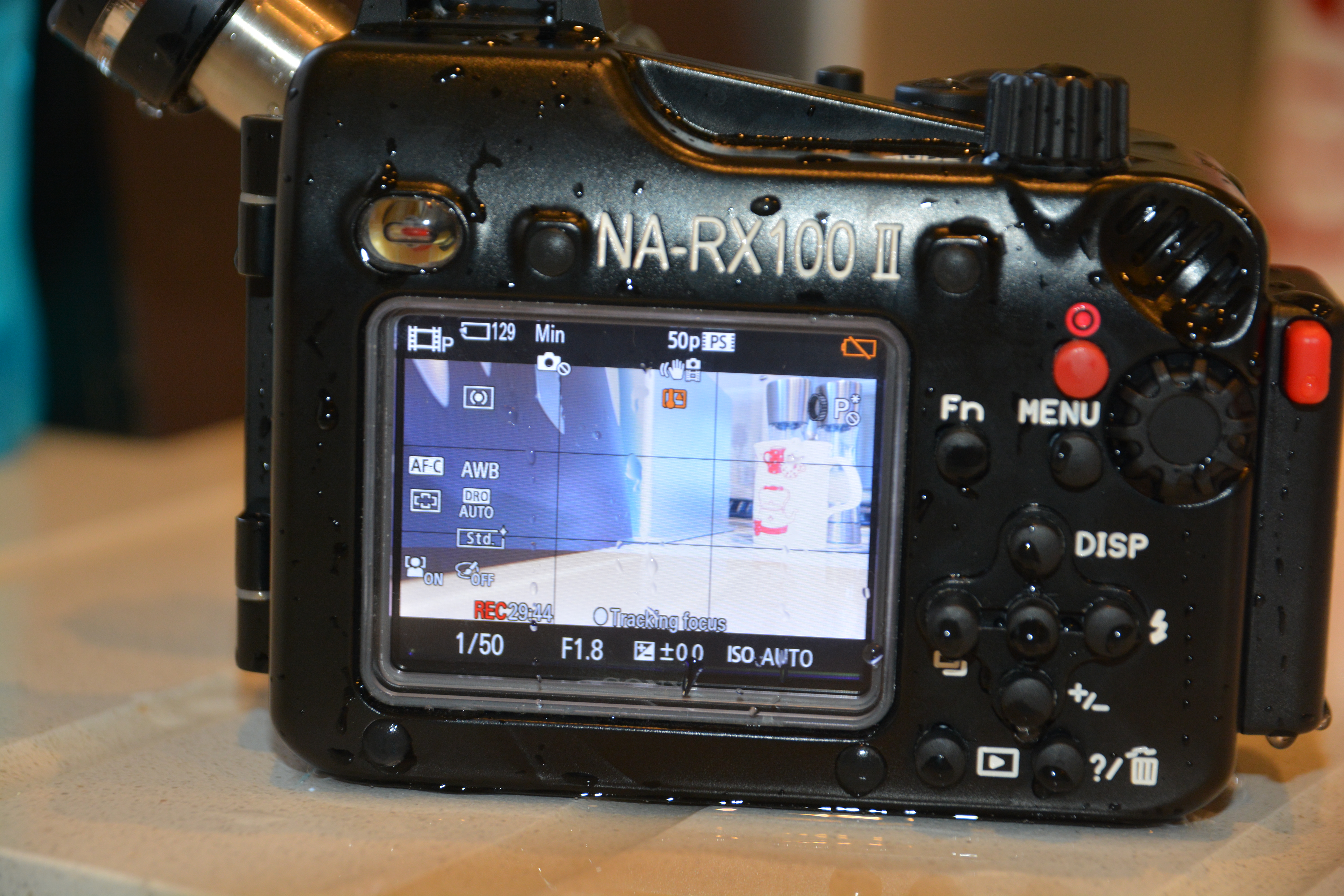
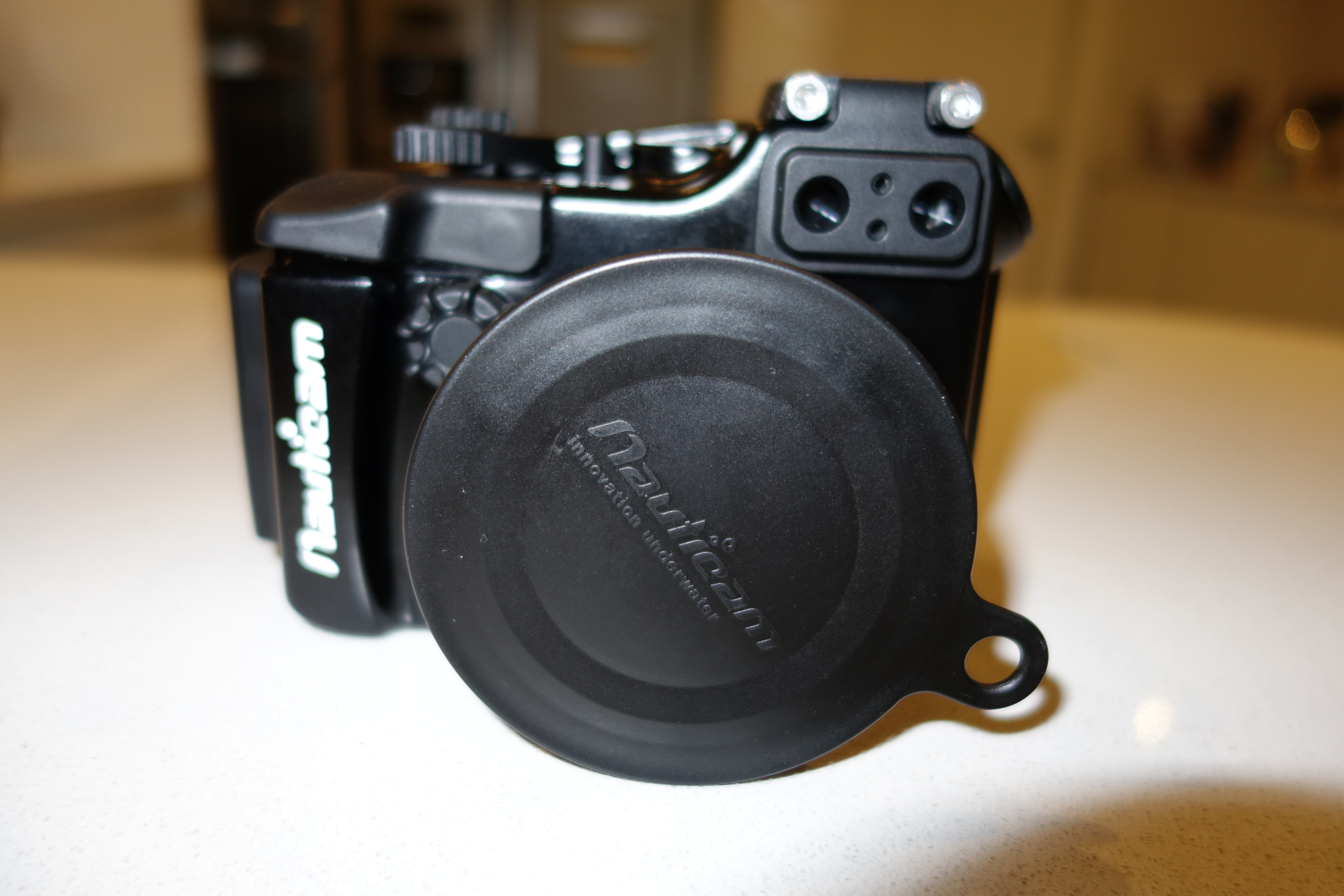
I have just received this week the NA-RX100II housing also known with product code 17408

This housing is essentially identically to the already very successful NA-RX100 more specifically it looks identically to the NA-RX100V video version.

DSC00059

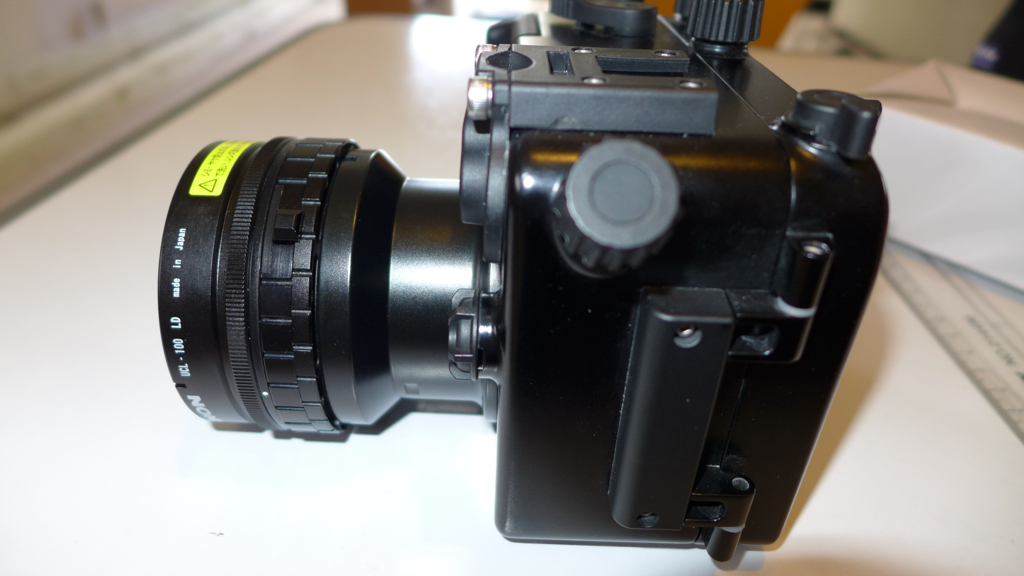
This looks apparent if we look at the left side of the housing where a screw can attach a bulkhead

HDMI/Electric Sync port

According to Nauticam you can attach both the SmallHD 4.3 LCD monitor to use as external monitoring for video or an electrical sync cord to attach a strobe via a hot shoe 5 pin connector. This will not support TTL but will allow to fire an external strobe without triggering the internal flash. This means that there will not be any issue of recycle time especially true at wide angle or when using strobe with edge lighting.

Now I believe this is great news for those underwater photographer that are downgrading from DSLR as this was probably one of the key limitation of the RX100 that will now be overcome.

Remember that the RX100II seems to have other significant improvements with respect to the Mark I in terms of corner sharpness that can make this already excellent camera an absolute killer.

I wonder if it is possible to enable and disable the hot shoe and use both electrical and optical connectors as in macro TTL the camera performs very well indeed and this would only be available with optical connections.

If you are interested in the mini video review of this housing you can find it here

I will do some tank tests for corner sharpness in the next days so stay tuned

The housing is priced at £699 in UK as it was with the Mark I so should be $950 in US. Great value for the additional bulk head port!

Update the M16 port on the side will have an hot shoe accessory but won’t have an HDMI bulkhead, this because there is not enough space to connect the HDMI cable on the bottom of the RX100. The V version will have some more space under the camera to allow the cable to go in

Lembeh Video Feature Panasonic LX7

This will be my last production with the LX7 as the camera has been sold together with the Nauticam housing

Few weeks ago I was contacted by Juerg at Luxury Grooves

http://www.luxurygrooves.com

So this video is a first cooperation maybe not the last

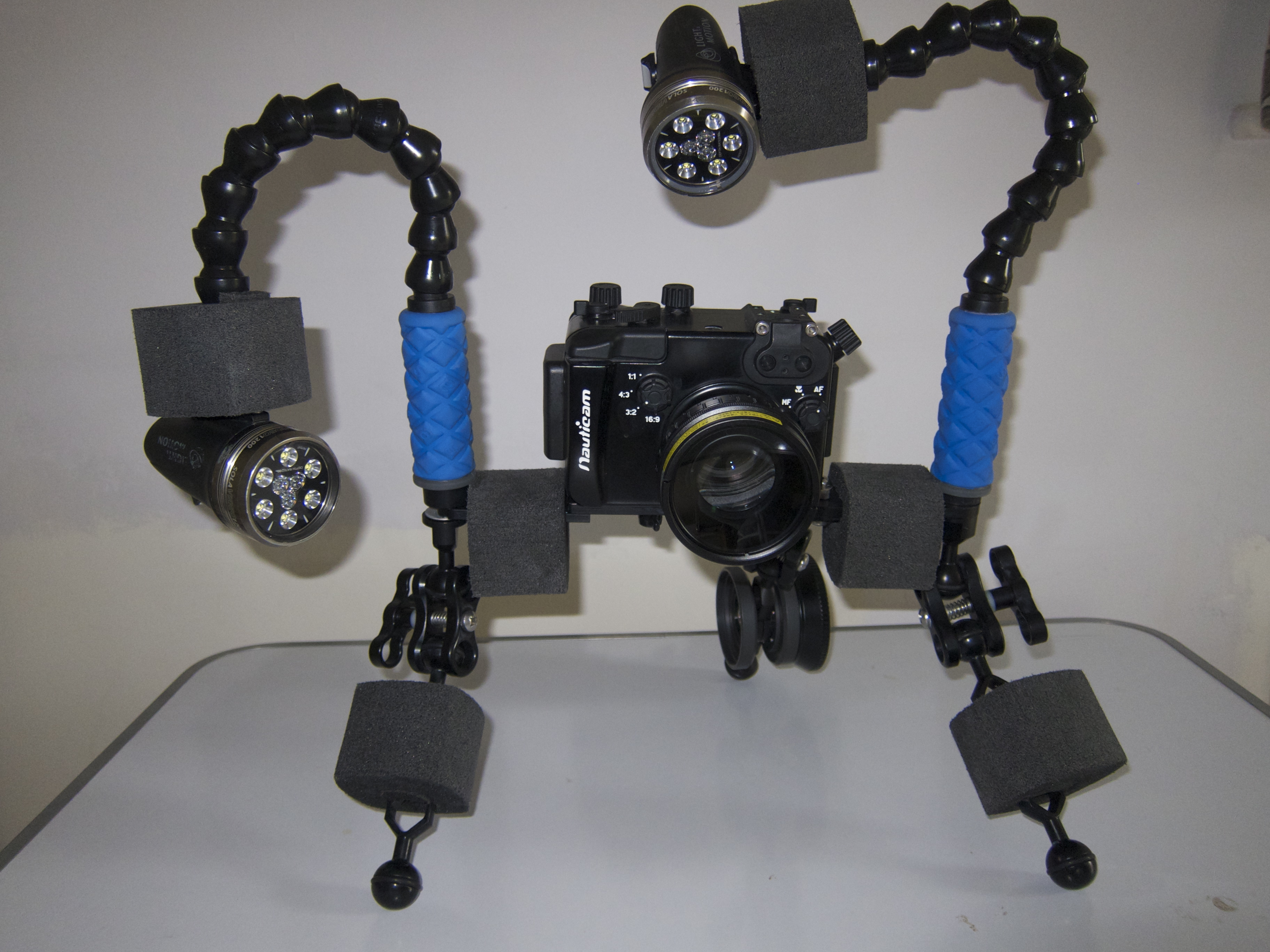
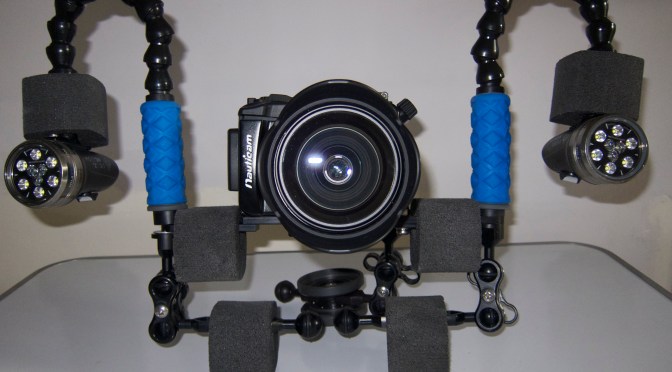
In this feature I have extensively used the transformer tray as in the image

Transformer Tray
Transformer Tray

Other than that the usual great performance from the LX7 with up to +16 diopters!!!

UCL100 on Nauticam housing LX7

Check some of the super macro it is not bad at all

http://flic.kr/p/kF5nbM

Sony RX100M2– First Impressions

I have  been fortunate to receive one of the first RX100M2 that have reached the market so I thought of sharing with you my first impression and what I believe will be the potential for underwater imaging use.

This is the link to the unboxing video of the camera

I posted a summary of the RX100 capabilities for underwater video some time ago on this blog the post is here:

Probably the best thing is to revisit my review and update any significant differences between the RX100 Mark 2 and the original version which is still on the market and will remain at least until the end of 2013.

Key Strengths

Bright Lens –  Not changed

The RX100M2 has exactly the same lens of its predecessor RX100, it is true that when zoomed the minimum aperture drops down to f/4.9 however this is not a concern for underwater imaging as usually long focal lengths are for macro and we are interested in very small aperture to allow for greater depth of field.

Low Noise – Improvement!

In virtue of the new retro illuminated sensor the mark 2 has one full f-stop advantage over the original RX100. This means that ISO800 is a breeze and potentially we could go as low as ISO1600. I would not do that but what it means is a cleaner image at depth in ambient light.

Image Quality – Improvement

Image quality is outstanding and the lack of aggressive contract and sharpness filters in the default settings means more room for correction in post processing.

Video Mode Control – no change

The RX100 had complete control on video mode and the mark 2 maintains the standard. Very important is that the program mode is excellent and keeps the shutter speed at 1/100 or 1/125 when used in active mode which is ideal for 50/60p smooth footage.

Manual Focus – no change

Same as for the RX100

Battery Life – Improvement

According to Sony battery life has improved from an already outstanding CIPA 330 to a declared value of CIPA 350. The new Mark 2 has also an hot shoe so in theory if any manufactures produces a wired TTL enabled housing this means plenty of shooting before changing the battery pack. We suspect though that only ikelite will have this option on the housing.

Active Steadyshot – no change

I initially slagged the RX100 stabilization system based on performance on land. However at a more in depth analysis it turns out that the RX100 active steadyshot, even if at cost of an image crop is very effective for sudden camera movement and for high magnification macro. The Stabilizer is not as sticky as others so when you eventually vibrate it does not jump. Although the performance for stills is poor to irrelevant and so is the normal mode the active mode is very effective for underwater use. The mark 2 is built exactly with the same algorithm and combination of optical and electronic.

Tedious Workarounds Comparison

Some of the ergonomics of the RX100 are not the best and seriously deduct from an otherwise excellent experience, the most annoying issues:

Lack of focus lock – no change

For some reason Sony decided to skip on this essential feature, the workaround involves switching to manual focus however it is then possible to accidentally change focus if the front ring is set to control focus. The RX100M2 has the same issue.

Setting Custom White Balance in Video – No change

Setting custom white balance is only possible in the still modes, while in fact if you shoot RAW don’t actually need white balancing. This is the largest non sense of this camera that requires the user to navigate out into Program to ensure white balance is set correctly and you don’t end up with the Custom WB Error message. Though this is annoying is not such a killer as it would initially seem if you take your movies in one of this still modes which is valid for wide angle and ambient light shot. For macro you will need to switch to movie mode aperture priority in AWB. If you keep this discipline this is issue is mitigated. The RX100M2 does not change this and I believe this is due to the fact that the shutter button that is used to set custom white balance is disabled in video.

Lack of 24/25/30 progressive modes at 1080HD – Improvement!

The RX100M2 shoots at 50/60p as well as 25/24p in addition to that you can switch between PAL and NTSC which is great!!!

AVCHD – Improvement!

The RX100M2 has not only the progressive modes at double frame rate but also AVCHD 1.0 compliant format, this means that if you choose the 24M 24/25 p mode you can import with all editing programs without issue. Not only that but if you use the wireless import utility this converts also the AVCHD progressive files in mp4 for you. This is  great improvement

Key Weaknesses comparison

The RX100 had also some key weaknesses let’s see how the mark 2 fares.

Macro Performance – no change 

Exactly the same as its predecessor the RX100M2 has a minimum focus distance of 5cm on land that becomes around 7 in water. Like with the RX100 because of the large capture area you will need diopters for macro shots. On a positive note once you have a close up lens the performance is incredible when coupled with manual focus with peaking.

Stabilizer

Sony has adopted a lens shift approach in this camera instead of the sensor shift of the higher end alpha, maybe due to large size of the sensor compared to the camera body. They have then added some software processing in camera but the results are just average. There are many other cameras that do better than the RX100.

Soft Corners at Wide End – Improvement

The RX100 first generation had soft corners until f/5.6 the situation changes dramatically as we can see in this test card comparison shot. Not sure if there was an issue with the RX100 original sensor but this looks excellent and as sharp as the panasonic LX7 or Canon G15.

Look for yourself!!!

Left RX100M2 Right RX100

No Neutral Density Filter – marginal deterioration

As its predecessor there is no neutral density also on the mark2. A little tip for video is to shoot with filters that take away 1 1/3 f-stop. This is not ideal but helps. There were some speculation that because the minimum ISO in RAW is now 100 instead of 80 sunballs would be more difficult to shoot. 1/3 of an f-stop does not really make any difference I believe this is more a statement so that the RX100 housing that are in stock sell out at full price.

Other features

I have to say that the tilting screen is fantastic to shoot on a tripod on lens. I doubt any housing can accommodate for this but the feature is outstanding

IMG_6772
Tilt screen side view

And this is the rear

RX100M2 tilt screen
RX100M2 tilt screen

Conclusion

So the question is should I buy the RX100M2 or the RX100 maybe grabbing a deal? Recsea has already announced a housing for the mark 2 and Nauticam is working on it. I believe that when it comes to still photography the difference between the two cameras are not substantial as many shots are with strobes I have however noticed a much faster internal flash cycle time. I do not want to be definite but looks like a full dump takes around  seconds to recharge. Also to be considered that in US the price difference is $100 so definitely the Mark2 is the way forward. In UK/Europe the difference on the list price is £150/€180 which is much more.

So I would say if you are planning to use the camera for video go for the RX100M2 the improvements are significant both in terms of video formats but also in terms of sharpness at wide apertures. If your main interest is photography and you live in US go for the mark 2 in Europe instead I would grab a deal on the RX100 when the price of the housing drops.

I am waiting for a test housing from Nauticam as soon as I have it I will post an unboxing video followed by some pool tests.

Underwater Video Tips: Best video settings for Panasonic LX7

I thought of doing a debrief of the settings I use as I see few people that have bought this camera and have few niggles to go through and the obvious learning curve of new equipment so here we go.

Which Video Setting

It is always possible to reduce detail if needed so always shoot in the highest mode AVCHD progressive that in the menu is called PSH this records at 28 Mbps.

Which Mode to Use for Video

The LX7 has a one touch video mode that is accessible in still mode. When you press this button, even if the camera is in Aperture or Shutter priority and even in Manual, the movie clip is recorded in Program mode.

It follows that the mode to use to have full control is the creative video mode accessible through the mode dial.

Standard Setting for Creative Video Mode

I use the Shutter priority setting submenu in this mode. This is because the LX7 does not follow the 180 degrees shutter rule in video program mode.

Set your shutter speed to 1/100 for PAL and 1/125 for NTSC so that your shutter speed is double of the frame rate (1/50 for PAL and 1/60 for NTSC).

Exposure Lock Button

I never use the manual or the aperture priority mode as I find the lens fairly sharp even in macro and very small subjects. When I have changing light I point the camera to the exposure I want and the click Exposure Lock. To disable focus lock you need to go into the menu and set the button to AE lock only.

Exposure Control

I personally find the standard exposure of the LX7 underwater far too bright. So using the exposure compensation dial found by pressing the shutter speed wheel I dial down to -2/3. This is personal sometimes I even go down to -1.

ISO and Max ISO

The LX7 has a very bright lens even at telephoto end and this lens produces also a very sharp image. In the worst case of deep water with low light I found that having an underexposed but cleaner picture at ISO400 is better than letting the camera go all the way to high ISO. So in the menu I set ISO MAX to 400 or in some cases I push this down to 800. I set the ISO to Auto as the camera generally keeps it very low anyway.

Autofocus

I leave autofocus for video mode to on and I ensure that the autofocus is set to single area. Be careful as the default setting is face detection and that does not work well underwater! Multi area and tracking are not available in video mode.

Zoom

In video you can extend the 90mm lens to 180 with the iZoom and to 360mm with digital zoom. I set iZoom to on and Digital zoom to off as I have seen that the iZoom is very useful in macro and the picture quality is not visibly affected.

Metering Mode

I use multi metering for landscapes and centred weighted for close ups and macro.

iDynamic

This is a tricky setting; generally I keep it off or on Low as the standard settings clip the highlights. In doubt turn it off.

Photo Style

This setting controls contrast, sharpness, saturation and noise reduction. I use the standard setting that is a little bit oversaturated. If you do a lot of colour corrections in post processing use the Natural setting. The footage will be less saturated and a bit less sharp with less noise reduction.

White Balance

I use two custom settings WB1 and WB2 one for shooting with ambient light and the other one with lights that I only use in special circumstances.

Stabiliser

I leave this on and it does not affect the field of view.

Zoom Resume

Zoom resume has to be left off as this delays the camera ready to shoot time and ends up with missed opportunities.

Menu Resume

It is useful to leave this on.

Custom Menus

I record all my settings for shooting in ambient light in the C1 mode this has all the settings are describes and recalls the Custom White Balance 1.

I then set another menu C2-1 with auto white balance for shooting with lights and menu C2-2 for shooting with lights and WB2.

This is an example video shot with those settings and no additional lenses this is with video lights and auto white balance little to no correction in post processing.

This other video is with some grading applied and ambient light for most

I hope you found this useful and happy shooting!