Snell’s window is a phenomenon by which an underwater viewer sees everything above the surface through a cone of light of width of about 96 degrees [From Martin Edge: Underwater Photography].
During my last Gapapagos Trip there was a bit of an issue in terms of photography subjects, in essence most of them were fairly big like sharks, turtles, eagle rays and of course divers.
After a while shooting or trying to shoot those uncooperative models I had the idea to try and do different things such as silhouettes and Snell windows. You can also combine both as we did in this case.
So what do you need to shoot image of a Snell window:
1. A lens that is wide enough, you need a bit more than 96º field of view to take the whole window
2. Something interesting on the surface (if you have calm water you can see right through)
3. An interesting subject as silhouette to contrast the clear water if there are waves and you can’t easily see through.
A normal flat wet wide angle lens for our compact camera is not sufficient to capture the snell’s windows as in this example
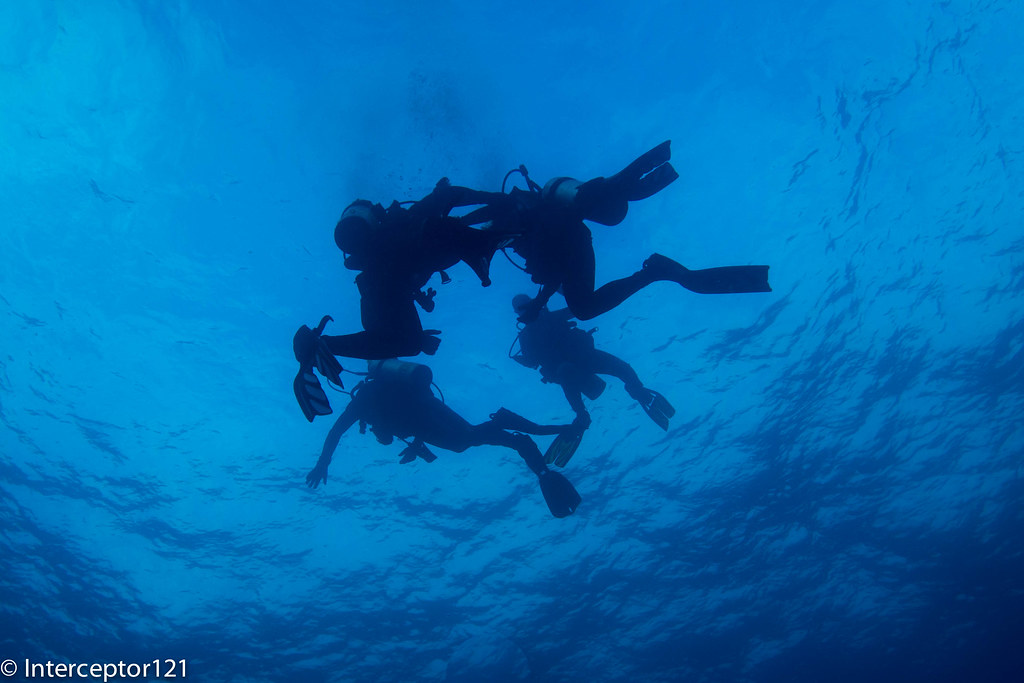
Divers at Safety Stop – taken with Inon UWL-H100 at wide end
Take into account that even with a fisheye lens on an SLR you can’t capture the Snell’s window on the vertical axis as the field of view will fall short a few degrees.
With a compact camera a semifisheye lens will capture the edges of the window if correctly aimed on the diagonal and horizontal dimensions and will fall short on the vertical.
Snell window divers exiting the water or ascending – UWL-04 semi fisheye lens Canon S95
I am reporting some of the calculated field of view for the most popular lenses at present for compact at 3:2 image format
Wet Lens
Diag FOV
Hor Fov
Ver FOV
Flare/Ghost
UWL-04
151.95
123.22
79.85
Ghost Possible
UWL-100 28AD
149.01
120.97
78.48
No
UWL-28
160.56
129.75
83.81
Both
UWL-H100
157.85
127.71
82.58
No
All those lenses will take a good Snell’s window I have not tried the UWL-28 and I have some concerns this lens may flare as it usually does but I do not know for sure.
Both the Inon lenses produce sharp images with no defect.
In general small sensor cameras like the Canon S series will work fine with the fix/idas lenses and should produce good results also of normal shots through the water.
Using the UWL-04 or UWL-28 with large sensor cameras like the RX100 there could be a sharpness issue a larger apertures so make sure you close that at f/8 or smaller instead of using the shutter speed to balance exposure if you want to go through the water.
Snell’s windows are uncommon with compact camera shooters as they are considered an advanced subject but they can be taken. I will be taking more in a next trip to Egypt I hope for calm surface conditions so I can go through the surface with the shots. Failing that this is very easy to practice in a swimming pool.
In one of my first posts on this blog I covered the subject of setting white balance with the Sony RX100.
It may be useful to have a quick recap on the topic:
For pictures setting a custom white balance is not useful if you shoot in RAW as the amount of correction in post processing is far superior*
For video (that is shot in compressed format) setting the appropriate white balance for your shots is essential
There are exceptions to this rule, some people like to set custom white balance even in RAW when they shoot ambient light pictures. This is because changing the white balance shifts the histogram and therefore if you had taken a shot with an incorrect white balance you may retrieve wrong information from the histogram. Personally I do not do this most of the ambient light shots I judge by eye and not histogram or are silhouettes anyway but may be useful to know.
The other exception is when you shoot a raw video format with bit rates in excess of 100 Mbps, in that case the footage is captured in a bland format lacking any real depth and contrast and things are corrected in post processing. This does not apply to any consumer camera that works in AVCHD or Mp4 with bit rate lower than 50 Mbps in any case.
It follows that setting the appropriate white balance for our videos is something that is important otherwise our clips will look dull, green or have some sort of color cast we do not like.
As many of you RX100 I have experience with the infamous Custom White Balance 9900K error. In theory if you set your custom white balance with the camera in P mode over a neutral target this error should only occur if the color temperature is out of range (>9900K) unfortunately this is not the case and you get this error pretty much always with our beloved camera. At the beginning I thought that this was due to my cheap PADI slate, but after various attempts against my hand, sand, buddy’s tank, the sun I have to think there is some genuine issue here.
So I got myself whibal card, that on my test on land performs amazingly well with both the RX100 and the Nikon D7100.
The first thing we can realize is that the auto white balance setting is rather cool in outdoor scenes, whilst it tends to be warmer in indoor scenes with artificial light.
Auto White Balance
When you take a custom white balance the colors appear warmer and the bluish cast departs and the yellows come back.
This is particularly bad news if you shoot underwater without a filter and think of using auto white balance as those results will be pretty ugly.
The whibal card has a specific black mark that if illuminated tells you the white balance reading is incorrect because of reflections. I thought this was the key to the 9900 Error, unfortunately I was wrong.
It just fails 100% reliably really painful so I could not get rid of my trusted red filter for the Galapagos trip. I even tried setting the white balance with the filter and it would fail as well.
So I went back to auto white balance and red filter and I am pretty happy with the results, many people have asked me if I have manipulated the footage in post processing as the colors look very deep and some have even said unnatural. Even so shooting at 1/50 means a relatively low ISO and in the specific trip another f/stop of aperture was not really significant but I would have like to have the option of working without the filter, sadly this was not an option.
For what concerns white balance just a few things I want to say:
1. At depth there is no color anyway so what your eye can see it is not what it is, the proof is when you use lights or strobes things look much better than the naked eye. Using your visual as a reference can produce dull results.
2. You have to set an appropriate white balance for your scene, this means removing the cast. If a scene has no cast and the colors look saturated this is not a white balance issue on its own but may due to the camera settings. The RX100II is one of the less saturated camera on the market. The mark I instead is pretty saturated take this into account.
3. Footage that looks dull IS in fact ugly. The fact you set custom white balance with or without a filter does not mean that results is the perfect result, there is no such thing in fact and as colors disappear at depth white balance is not that effective anyway
Nick Hope sometime ago published some interesting tests on wetpixel
It turns out that there is more than meets the eye.
Just to clarify the only color correction in my Galapagos clip is:
1. In the scene of the dolphins I was pointing the camera upwards and did not have time to take the filter off so ended up with a red cast, I performed a white balance adjustment in iMovie on the opposite value of the tint I was getting until I liked it.
2. In the scene where there is a group of Galapagos sharks and the close up of the eagle ray I have reduced the blue gain as it was over saturated
In all other cases the only changes were increase of contrast or reduction of brightness. When the water was green like at the end in the Punta Vicente Roca scene I did not touch it to make it look artificially blue.
Again for those who ask I use a deeproof push on filter for the Inon UWL-H100 this filter is my preferred for the only reason that is actually the only one available on the market that fits on the lens. Personally I would much prefer a plastic filter like the ikelite/URPRO but this one is glass. It seems to correspond to a deep sunset 2700K with magenta tint of +5 on the RX100 but I have no tools to measure it I can only say it works.
So my recommendation for the RX100 is to get this solution as the Inon lens has the best optical quality and a hood that comes very handy to reduce flare. There are other lenses that fit the RX100 but have no hood. Obviously an not even considering the fisheye style lenses as distortion is ugly and placing a filter under the lens is a very bad idea.
I have mentioned the conditions we found in Galapagos in the previous post so no need to repeat myself.
One of the things I was told before going is that the last dive of the day tends to be pretty dark so not good for video, therefore I used this for photos were I was expecting to use strobes at all times.
I made a mistake as I should have taken the still rig also on the second cousins rock dive anyway I am quite happy on how things turned out considering I did only 4 dives and took 117 photos I am pretty happy I could pick 20 that I consider decent.
The whole set is here
The rig I decided to pack at the end had 6+8 inches segment so it looked pretty cumbersome on land.
Photo RIg on Land
In water the setup looked like a glider with a significant wing span
Photo Rig Underwater
The reason why I took arms so long is that I was expecting sharks to be 4-6 feet away and quite a bit of particles in the water.
I was right. Just have a look at the following two shots, the first taken with a Canon S95 and a single 8″ arm.
Turtle with single strobe 8″ arm
You can see the considerable amount of backscatter despite the 1/1600 shutter speed.
This is another turtle on the same dive
Turtle with twin strobes
This time two strobes on the longer arms are used, even at 1/320 this looks neat. The turtle looks bigger as the lens is not as wide as the previous, shooting distance is the same.
The arms proved to be good for the sharks as expected, I used aperture of f/4 for most shots, ISO 100/200 and shutter 1/60 to 1/125
This is emotionally the best shot
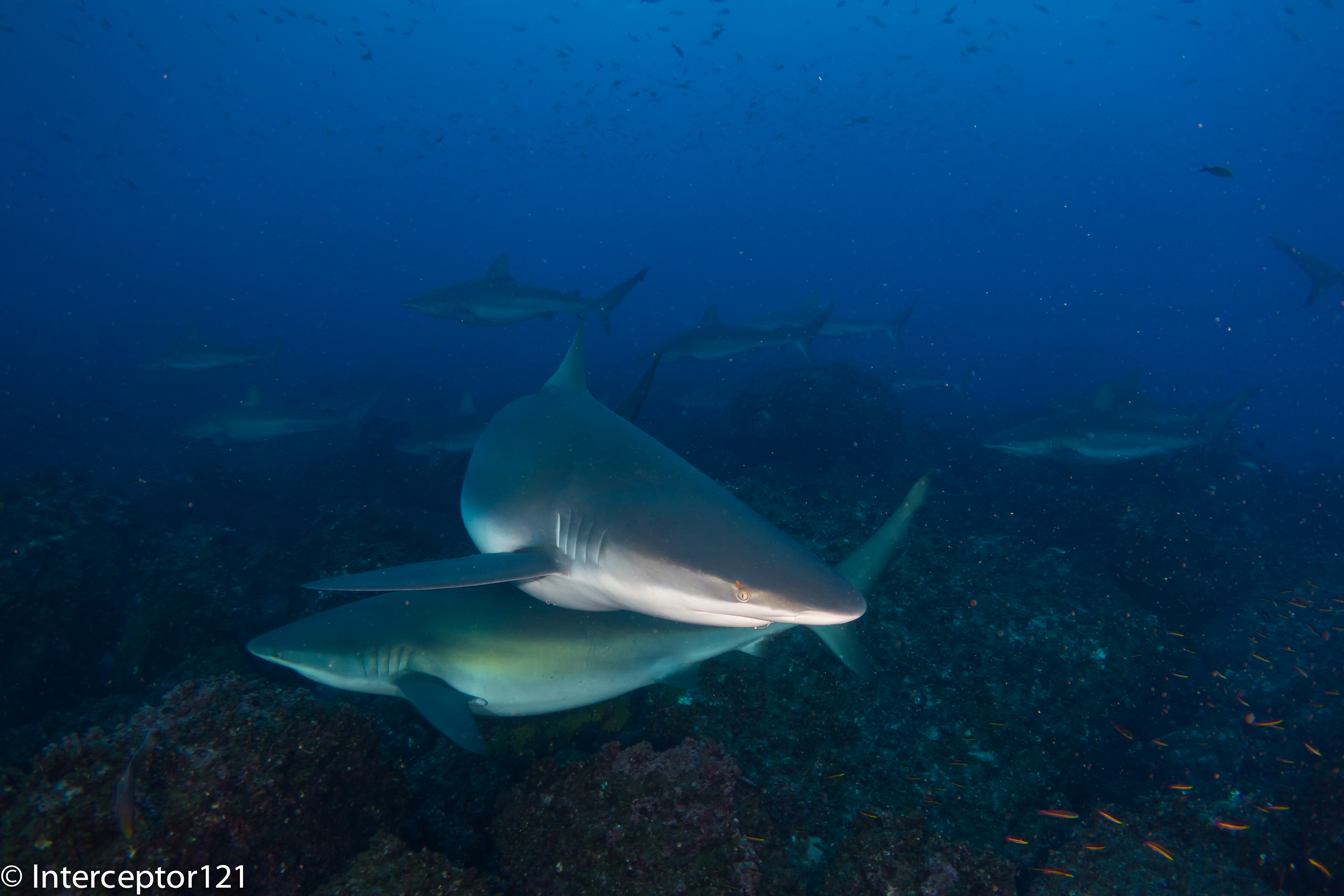
Galapagos Shark Watching me
Later on in the snorkeling trips I took couple of split shots.
Unfortunately the weather was not good and the sky cloudy so I had to play with the graduated filter.
Galapagos Penguin Split Shot
The purist will notice that the water line is not neat, as I am shooting with a wet lens the back of the lens has water as well so to avoid to see that I shoot portrait with the back of the lens in the water, which is a limitation but on a good day will produce interesting shots regardless, also the lens is only 9cm diameter and is flat (Inon UWL-H100)
I took some close ups but even the sea horses were huge so no need for close up lenses.
Giant Pacific Seahorse
Funny enough I took this at f/5.6 1/60 after reading on DXOMark that the RX100 resolution is actually better at f/5.6 than it is at f/11.
The lens is at 35mm equivalent at the shooting distance I used the depth of field is only a couple of cm and as the background is quite plain I did not bother trying a black background that I could possibly not even achieve. This was a TTL shot whilst all the sharks and wide angle were taken with the strobes in manual.
Another great feature on land of the RX100 is the panorama, which I used in Bartolome and other places
Bartolome Panorama
In general the conditions were very difficult and I am happy with what I could achieve in just 4 dives.
I will be taking the same arms and strobes configuration to the Red Sea in a few weeks but with the Inon UWL-100 with dome. I expect better results as the conditions are usually fabulous in comparison, probably I could do with shorter arms but once in water the set up is not heavy so I will keep it like that
The time finally came for our trip to Galapagos and I was ready with a set of think rubber suits to overcome the cold water. I just bought a 5mm Oneill Sector (wonderful suit) a 3mm hooded vest, kevlar gloves and a 5mm 4th Element short john. Well the short john was not used and for most I used just the wetsuit and a set of O’Neill Thermo X unders (very recommended) as El Nino is coming and the water was warmer at 25-27C or 77-80F.
This means lack of schooling hammerhead at shallow depth close to the reef, they were in the blue. We had however our good dose of schooling barracuda, tuna (in the 1000s) and even galapagos sharks
This is the video I produced
If you have problems with playing in your country use vimeo instead
The conditions were difficult with low visibility and in some sites very green water as you can see here
Questions will come about what I used etc etc so here is the list
Sony RX100II in Nauticam housing
FIx adapter for Inon LD mount
Inon UWL-H100
Deeproof blue water filter
Sola video lights 1200 (just few shots of the barracudas and some close ups)
Combination of arms and sometimes no arms
Ultralight tray TR-DM with extension and handles
The video has been produced with iMovie 9.0.4 no stabilization performed except the scene with the moray eels mating (very mild)
I shot the whole trip in shutter priority 1/50th of a second in the 25 fps 24 Mbps format. After some tests at home I have decided to use this mode as I can’t physically play the 50 fps files the camera produces on any of my devices differently. The 25 fps gives a film look and very smooth footage. This format is only available on the RX100II and not on the original RX100 so the consideration I made at the time for video settings of the RX100 remain valid.
The benefit of 1/50th shutter speed is a full f/stop of light the disbenefit is that at the surface and for backlit shots this is too slow, in those cases I go back to program mode or increase shutter speed to 1/100 or 1/200 or more.
For what concerns the editing I import the raw files in iMovie without using the conversion and then export with x264 using very slow preset and level 4.0 compatibility to use it with my appleTv.
I do minimal color correction in some cases I had to eliminate the red color cast of the filter when shooting upwards, to do that I change the white balance to top yellow until i remove the cast.
In some cases I had to put the green gain to the max for the same problem but in all other cases there is NO color correction in post.
When you work with AVCHD cameras the footage is compressed and the key is to get it right in camera.
As Galapagos conditions were challenging, although less than I expected, I used gloves in some dives to hang on to the barnacles and I also modified the set up to completely eliminate the lights.
I would dive with two 3″ segments and two 6″ Inon Mega float arms when I had the lights on and for other shots in ambient light I would have this set up here that looks odd but it is very effective and almost neutral at only 120 grams in water. The position of the floats means the camera stays upright at all times.
Compact tray for ambient light
I would put a single Sola light on top of the housing not for video purpose but to signal the dive master when I was a bit far in the murky or dark waters. I used this set up on almost all blue water dives (Darwin and Wolf) and the normal set up with lights for the South and West sites with murky or green water.
There will be a separate post on the photos, I did a total of 18 dives with the camera of which 4 where photo and 14 video. You can see an example in the featured image.
I have now ran some statistics on the final clip that I produced
I used a total of 41 video clips:
ISO average was 273 with the following breakdown
2 clips at 160
30 clips at 200
6 clips at 400
3 clips at 800
f/stop average was 3.1 hyperfocal distance on average 1.16 meters. So if I were able to shoot without filter I would have not gained anything in terms of sharpness as most subjects were further away
I would consider the Galapagos and the dive trip I did not the best in terms of brightness and visibility so I would conclude that the RX100II with the Inon UWL-H100 and a red filter is the best set up for wide angle video in terms of performance, ease of use and flexibility.
After the various Backscatter, Bluewater photo, and other shops compact cameras reviews I thought of putting my 10 pence in as well.
Most of those reviews you find are written by people who shoot DSLR and then occasionally go and take a compact in water to see how it goes. For what concerns underwater use I only shoot compact and I believe I know how to navigate into features and limitations of compact camera quite well so here is my view on the subject.
The first hint when you look at a high-end compact camera is to check if Nauticam makes a housing for it. If not maybe your camera is not as good after all. There are some exceptions of course.
Categories
I have ranked compacts according to the following shooting categories:
Movie
Ambient Light
Macro
Portraits
Close Focus Wide Angle
All purpose cameras
When possible there will be a top 3 in each category.
The Compacts
I have considered only the following cameras
Canon G16
Canon S120
Olympus XZ-2
Panasonic LX7
Sony RX100II
The Fuji X20 is a potential addition but I have not found anyone that actually shoots it underwater so I abstain from judging here.
Best Cameras for Movie
In order to score in this category the cameras need to have full manual exposure control in movie mode and be able to shoot double frame rates for the system of choice PAL or NTSC.
This is my appraisal:
Sony RX100II
Panasonic LX7
N/A
Canon cameras do not offer exposure control in movie mode, Olympus video is pathetic. Not possible to even consider a number 3 here.
Best Cameras for Ambient Light
Here I consider shots without strobes with a view angle of 100º diagonal you need a wet wide-angle lens to take those shots.
Here are the rankings:
Sony RX100II
Panasonic LX7
Canon S120
Olympus lags behind in image quality and the Canon G16 does not have any wet lens that allows to take those shots without strobes.
Best Cameras for Macro
I am looking here at shots are real 1:1 reproduction ratio and how easy is to take those shots in terms of autofocus and depth of field. In order to achieve this level of magnification a close up wet lens is necessary for all cameras. No compact camera achieves real macro with the bare port underwater.
Here are the results:
Canon G16
Canon S120
Panasonic LX7
The Canon G16 in virtue of a 140mm focal length at telephoto end gives the highest magnification ratio, the Canon S120 follows closely same image quality less magnification. The Panasonic LX7 has only a 90mm equivalent lens however the autofocus is incredible so you can use +10 diopters very easily and it is the only camera to really offer Bokeh.
The Olympus XZ-2 lags in terms of image quality, the RX100II has great image quality but little magnification, you need a +10 diopter to give a 1:1 reproduction ratio and focus is difficult because of shallow depth of field due to the large sensor.
Best Cameras for Portraits
Here we are considering shots with the bare port at 35mm focal length using strobes. Here is the ranking:
Sony RX100II
Panasonic LX7
Canon S120 & Canon G16
Whilst the RX100II has the best image quality it comes a bit as a surprise why the LX7 gives better images than the Canon. The reason is that Canon tend to have a very unbalanced color range with over saturated red. This does not go away with RAW images as it affects the whole spectrum. It is possible to correct this using blue diffusers for strobe but this is just a patch, the LX7 tend to give much better balanced images.
Best Cameras for CFWA
Close focus wide-angle is shot with a fisheye like lens, using strobes typically at small apertures here are the rankings:
Sony RX100II
Canon G16
Canon S120
It is quite clear that the RX100II with the widest choice of fisheye lens and the highest dynamic range is the best camera for the job, but the addition of the Inon Zoom lens helps getting the G16 in this category, the S120 follows with similar results. The LX7 does not offer a fisheye options sadly and the XZ-2 lags behind in image quality compared to the two canons.
Best Versatile Still Cameras
Here I look at cameras that can shoot all type of shots from macro to ambient light.
Sony RX100II
Canon S120
Olympus XZ-2
The lack of fisheye options cuts out the LX7 and the poor performance of zoom wide-angle lens at wide end kicks the G16 out.
Best Overall Camera Still and Movie
Taking the previous list and eliminating the cameras that do not offer exposure control in movie mode this is the result
Sony RX100II
NA
NA
So the Sony RX100II is the only real all round camera and this explains why it beats the other in terms of sales.
During the London Dive Show I attended a talk from Martin where he covered a number of shooting situations and how to deal with them in terms of composition and settings.
There was a promotion for a two for one tuition day with him that my buddy was keen to take so few months later we made our way to Dorset for a day of underwater photography with Martin.
This will be my first day of shooting with the RX100 Mark II albeit in a pool with my new arms and lenses so I was looking forward to it.
We arrived in Poole the night before and got ready for an 8.30 start with Martin.
We started off with a review of some basic exposure concepts and then looked at competition winning pictures and trying to identify what makes a wow picture. It was extremely useful!
Afterwards we went through our trips pictures so he could see what needed improving. Then look at what was needed for the next trip.
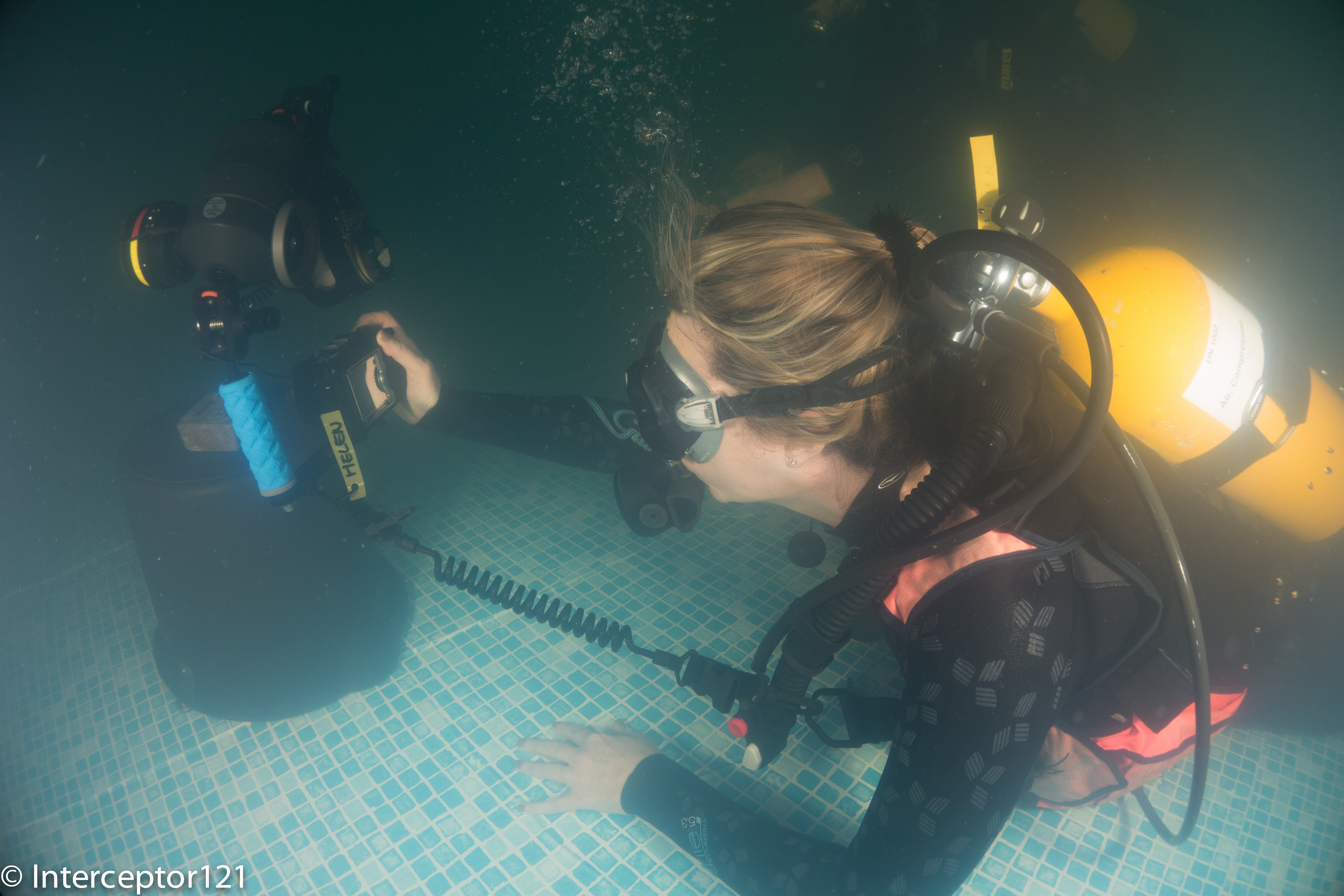
With that in mind we set up to jump in the pool to take some pictures the objective was to improve my buddy close ups and portraits as apparently her wide angle is as good as it gets with the Canon S95 used see featured image on this post.
Pool conditions were low visibility and plenty of suspended particles as the pool is used for kids swimming lessons let me give you an idea!
Pool Conditions
The first task was to shoot a frog with a view of eliminating shadows in its mouth. Start with one strobe and finish off with two.
Frog at 28mm
The frog with the bare port gives you an idea of the size and the complexity of the task with one strobe. There are shadows in his mouth.
Frog at 50mm
I then shot a portrait at 50mm, the reason why you see shadows more on the left is because I set the strobe at different powers.
Frog single diopter
The magnification of the RX100 is little so I went on with a first Inon UCL-165 and full zoom at 100mm equivalent. Note that everything is pretty much sharp at f/11.
Frog Double Diopter
With two Inon UCL-165 focusing on the mouth will result in this and the eyes being in focus and the rest blurred because of lack of depth of field.
Octopus fisheye
I then moved to an Octopus rich of textures. I took the first shot with my Inon UWL-100 28AD with dome.
Octopus at 28mm
The same octo at 28mm fills the frame much more of course.
Octopus at 50mm
The Octopus at 50mm looks even better. I have topped up the lighting on this one.
Octopus single diopter
I then took this guy with a single UCL-165 note the depth of field insufficient to keep the back of the head in focus, results though are exceptional.
Octopus double diopter
With two close up lenses we go back to the depth of field problem even at f/11.
I thought I had at that point nailed all focus and strobe issues, especially considering I shot with single auto focus, I did not bother using manual focus at all with exception of some double diopter shots.
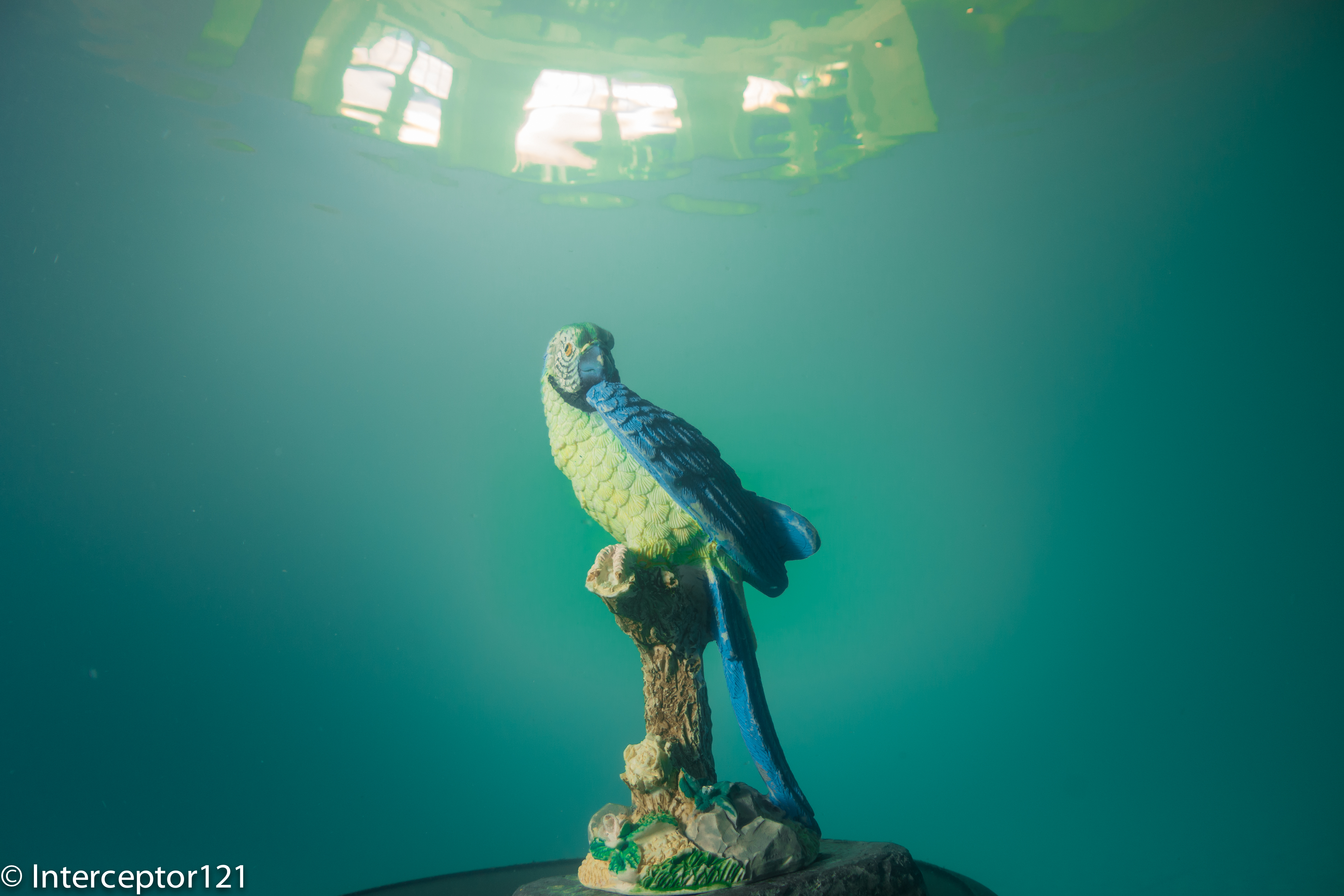
I then tried a few surface reflections with the fisheye this being the best.
Falcon Fisheye
You can see the outside of the pool and the windows on the top.
Family Fisheye
Afterwards made my own composition of statues for a fisheye shot that I think came out very well. The Z240 performed extremely well in both TTL and external auto as well as manual.
Child with dog
Martin asked me to have a go at the child with the dog as it is extremely difficult to lit up properly.
I went for an alternative strobe placement with light from the bottom as if it was in a gallery. He was impressed with the results.
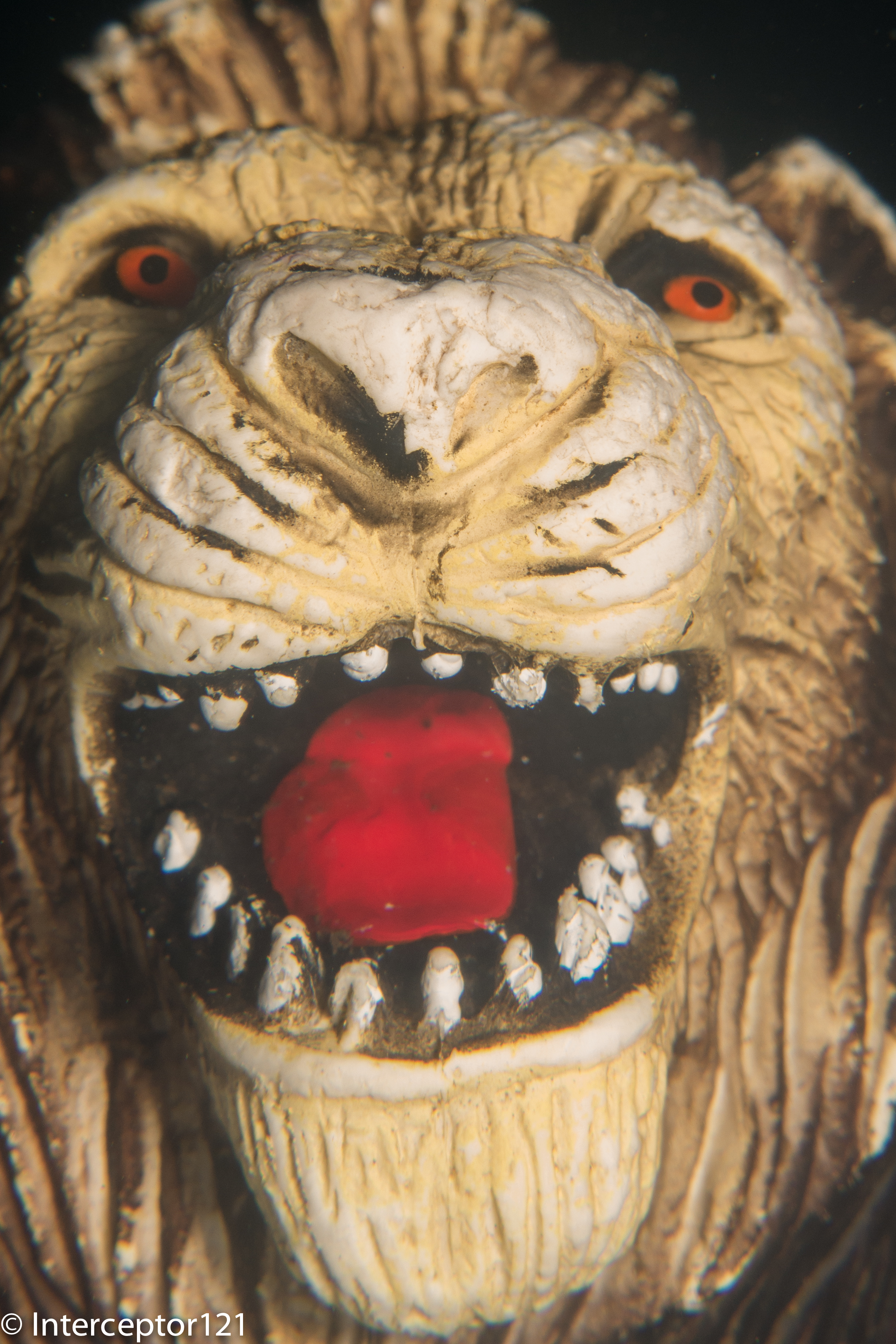
Lion Mouth Single Diopter
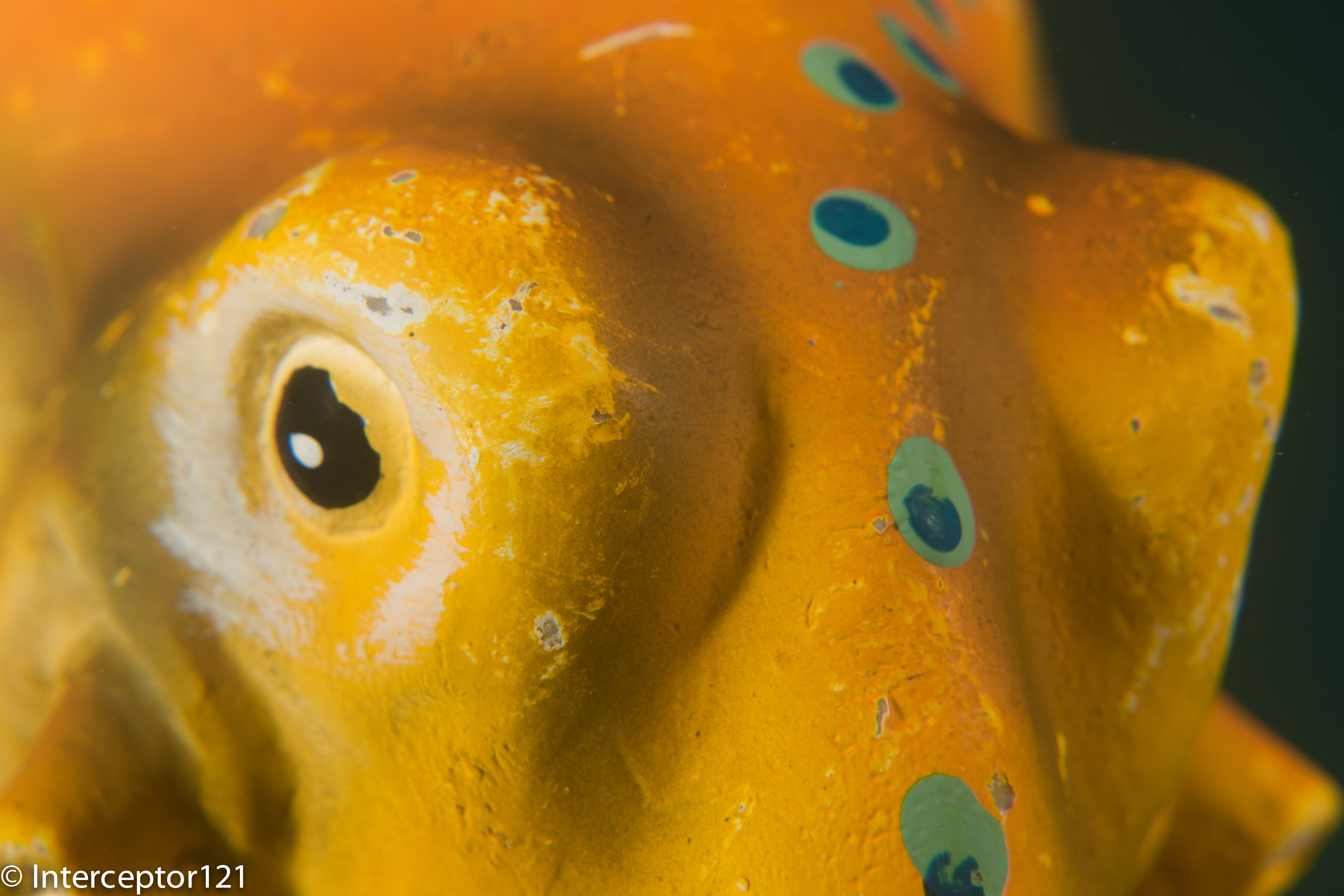
To finish off my last task was the tongue and eyes of a lion that I shot with a single UCL-165.
Overall a great day and I definitely recommend you the tuition day with Martin. He is a great person and extremely good at teaching I can see the benefits my buddy had right away.
Lessons learned on the RX100
There were a few things that I learned about my RX100 still rig mode that I want to share with you.
The autofocus is incredible. I even used this for macro. If the camera does not focus is because you don’t have enough depth of field and that is it.
Best macro performance is with a single diopter and also had a benefit of an increased working distance, this means the shots will need cropping for extremely small critters
Two diopters resulted in near bokeh with less than 1mm in focus and difficult to autofocus (though the LCD is great and I could see if things were in focus or not I think this is personal and I would recommend DMF to others)
Performance at wide angle with the UWL-100 28AD with dome is stellar
Inon float arms (I used two 6″ segments) were perfect with lens holders on it.
Inon Z240 twin set with one in TTL and the second in external auto delivered creative lighting without headaches, remember to buy the AUTO diffuser that does not come with the strobe
Strobes in manual allowed for even more creativity and the level of precision compared to sea and sea was staggering
Despite pool conditions the RX100 focused well in low light and much better than the Canon S95 that was returning focus error on the same exposures. I will not bother having a focus light with this camera and only have a single sola on night dives
That’s all for now any question just drop a comment
Over a year ago I wrote a set of posts for the RX100 and some of the quirks of this wonderful little camera.
Steadyshot – aka Image Stabilizer
The RX100 has a specific Active mode for video not available when taking stills. I described the differences between those two modes in this post
Everyone is so obsessed of having the widest possible field of view that other more important considerations are completely missed out.
If you have ever shot a video with a GoPro underwater you know how bad is the quality of the image in the corners, this is because the flat port combined with the gopro lens create many optical aberrations.
Our RX100, especially the original Mark I, also has an issue in the corners, this is not just an underwater issue is also true on land. The lens on the camera has a lot of distortion and when corrections are applied to the image this effectively creates corner softness.
When we add a wide angle lens the image quality in the corners deteriorates further especially if the lens is flat creating a lot of chromatic aberrations that you can see in pictures with a blue or yellow halo around the edges.
Standard Steadyshot
Now the good news the Active steady shot mode crops the image of a factor of 1.15x getting rid of the majority of the corner softness.
There is of course a price to pay which is the loss of some of the angle of view. According to my calculation if you use an Inon UWL-H100 you start from more than the declared 100.8º more around 104º in fact. When the active mode is on this drops to around 95º. Remember all those values represent the largest incident angle that means the diagonal field of view.
Active Steadyshot
A lens with 100º diagonal field of view means 90º horizontal. So after the active mode is engaged our horizontal field of view looks more like 84º which is equivalent to a 20mm lens. This is sufficient for most close wide angle shots and plenty for ambient light videos of large fish or wrecks. I generally suggest to keep the Active mode on, of course if you can be in a fixed position and hold the camera really steady you can also use the standard mode and obtain more field of view. There is a chance though that you will need to crop the extra field of view if you need to stabilize in the editing phase.
For macro shots without a tripod the steadyshot is a must and helps greatly. I do not even see a reason to take it off if you have a tripod as the RX100 does not have a particularly small capture area.
Digital Zoom
This brings the second subject: digital zoom, if you shoot pictures you avoid it as what you are doing is to crop the image, something you can do yourself in processing. In video though there is very little quality loss as we use just 2 megapixels of the 20 of the RX100 camera. In my test you can use digital zoom until the 2x multiplier is reached, this corresponds to 7.2x magnification and see no noticeable degradation in the image quality. The other benefit is that the depth of field is the same despite the magnification so you can save yourself stacking two diopters with all the difficulties that follow in terms of focus.
Max Optical Zoom with UCL-165
Digital zoom is always on in video mode and I recommend to use it with a single close up lens before embarking on dual diopters or a strong single diopter. Also take into account that with a single +6 diopter your working distance is around 4″ which is ideal for most critters except pygmy seahorse and bobtail squid or some shrimps.
Digital Zoom 2x with UCL-165
Video Lights
In another post I have explained that getting hung up about light angle coverage is not really the only thing to consider, there is also luminous flux and quality of light. With my Sola 1200 I can cover something between 2 and 4 feet away with decent results further away is just back scatter. Generally this is ok for some close portrait work and close wide angle and of course not sufficient to cover part of a wreck or much larger subjects. You may decide not to bother at all with lights for wide angle and just render your deep wreck dives in black and white in this case consider that a pair of Sola Dive 800 at $399 are a high quality macro set up, function as dive light and provide some decent close wide angle portrait illumination. For macro shots you need much less than that, I set my fill light at minimum (300 lumens) and the main light at 2/3 which is 600 lumens, I can shoot at f/11 with this light intensity. You can see me shooting in the feature image.
So the time has come to talk about photography more in depth. I have actually given up stills in favor of video since a few years as I find video gets me closer to behaviors than stills do, I guess am just not patient enough to capture behaviors on still as that involves waiting!
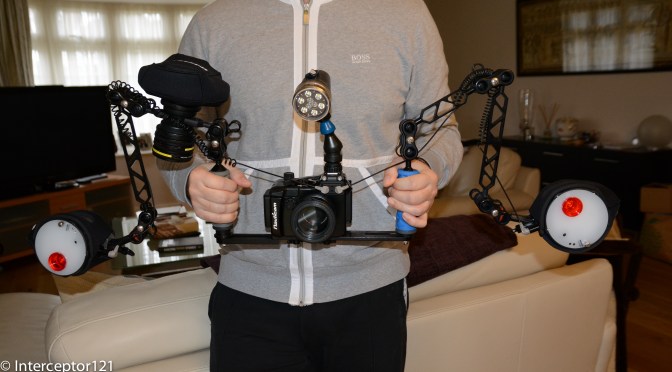
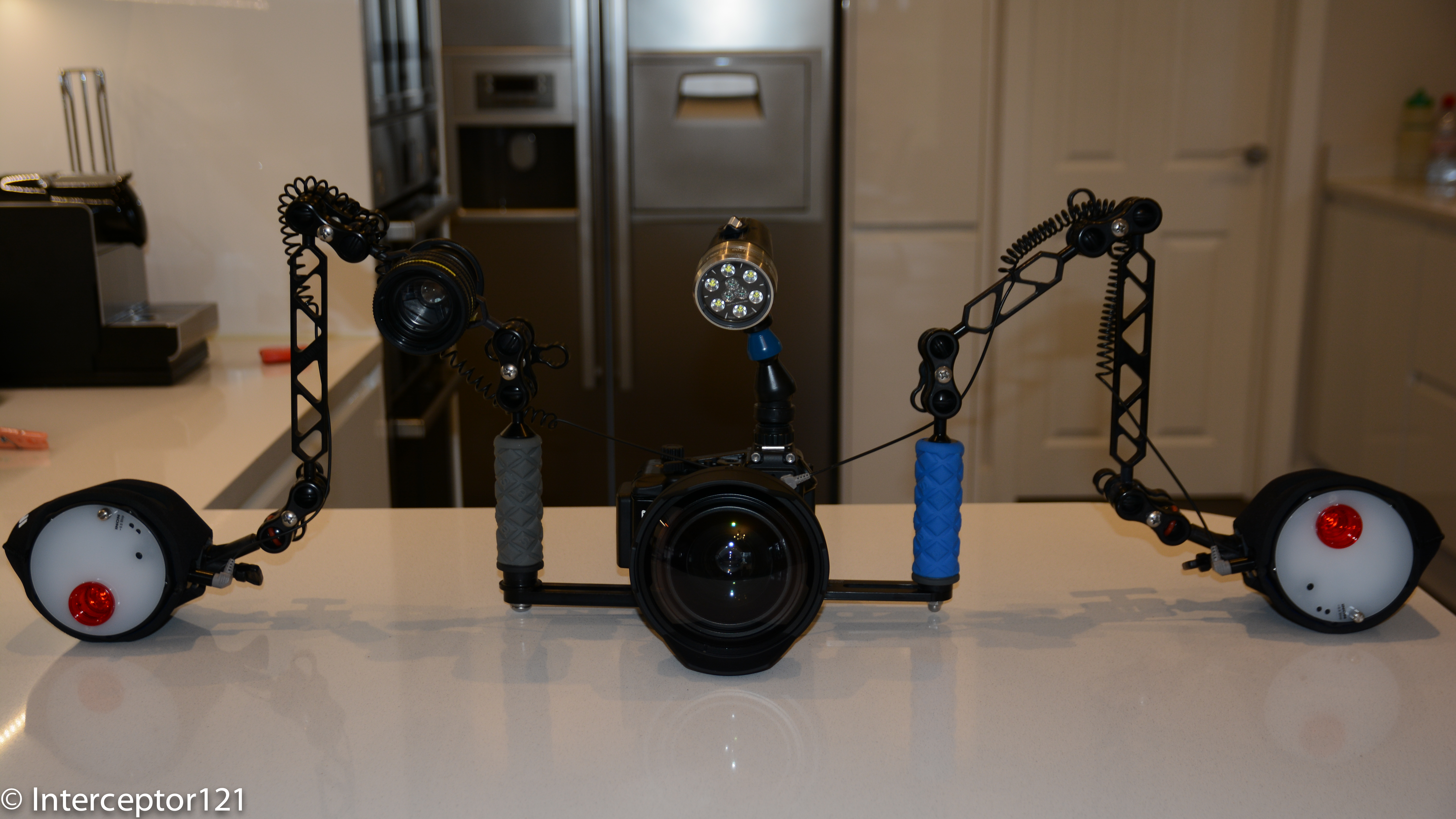
Anyway this is the rig as it is today without the floats.
Sony RX100 Mark II Still Rig as of 2014 January 20th
The RX100 is a demanding compact for the very same reason why it is the best compact the huge sensor it sports. If you come from shooting a canon or panasonic or even Olympus on a 1/1.7″ sensor you find the RX100 to be very unforgiving. In essence you can’t really just point and shoot you need to put some more thinking into your shots.
The rig that I have put together for stills has the same meticulous attention to detail than my video rig has, you would say OCD probably but here it is.
So let’s start with the housing, Nauticam just makes the best most ergonomic housing for the RX100 period. There is nothing you can think of improving about this housing. Even if the bulkhead connector is useless you can actually put a vacuum valve on it to put it to full use.
Nauticam do offer an M67 thread native on all their compact housings but I find this tedious to say the least. The beauty of a compact is that you can shoot wide and macro on the same dive, the M67 thread in essence negates this as it makes virtually impossible to change lenses on a dive. This is the reason why I went for the Inon 28AD mount for my rig using an inexpensive 10 bar adapter priced at $20 or £15.
M67-ADF adapter with Inon UWL-100 attached
Once you connect the Inon UWL-100 28AD the lens is very close to the housing to the point of nearly touching the port. This means you get no vignette with this lens with the added dome, and actually a larger field of view in water than you get with the UWL-H100. Why is that? The UWL-100 28AD has less magnification so it does not vignette even on land, once you add the dome you get almost the same field of view in water around 150º. The lens is just a tad lighter than the UWL-H100 with an in water weight of 400 grams.
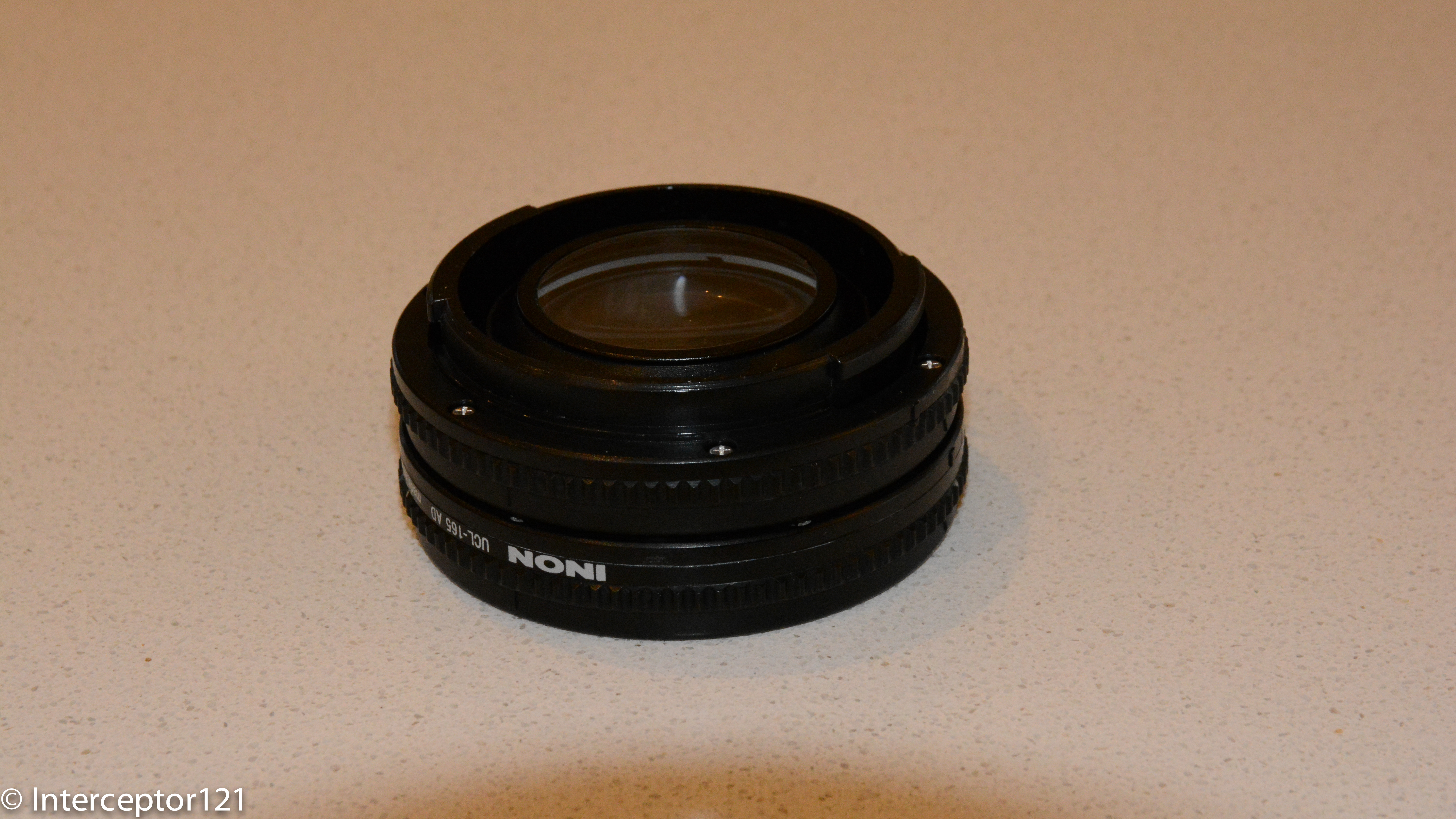
The choice of the 28AD mount means you can only use the UCL-165AD close up lenses, that if attached would crash into the glass, you need therefore a 28AD->AD adapter from Inon.
28AD to AD adapter with UCL-165AD attached
You do get vignette until 50mm however this is not an issue as you shoot those lenses at the tele-end.
This is the whole lens set with the two adapters.
Two UCL-165AD, UWL-100 28AD with dome, 28AD->ADF adapter, M67-28ADF adapter
As discussed in other posts the two stacked diopters give you super macro, they are also light with 35 grams each in water. The small amount of fringing they give can be eliminated in lightroom with a single click.
Inon UCL-165AD x2 with Inon 28AD to AD adapter
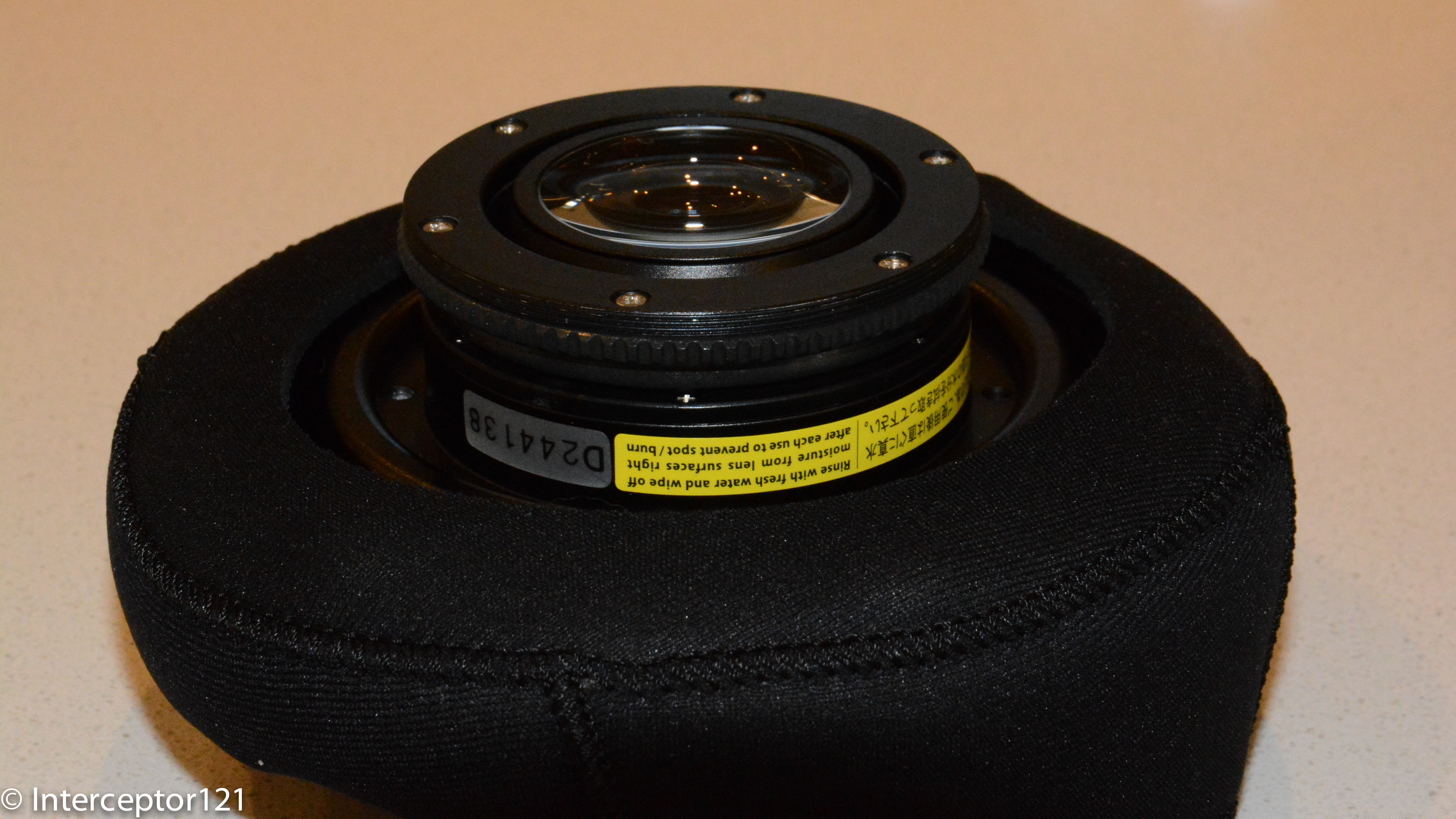
The wide angle lens sports a 115mm optical glass dome with inner anti-reflection coating. If you are into observing fine detail you will notice that the dome is not actually a full semicircle but flatter, if you add the special coating this means no flare and increased contrast. If you wonder why shots taken with Inon dome lenses are sharper is because only 1% of the incoming light is reflected, against 3% of an acrylic dome, the glass dome due to the coating don’t flare, plastic ones do as simple as that.
Inon UWL-100 28AD with Dome
Now let’s move on to the strobes a twin Inon Z240 set. I have been a sea and sea user for years until I managed to damage my YS-01 and got no assistance at all from S&S since then I decided to go elsewhere.
What I love about the Z240 is the variety of controls to manage shadows, the sharp aiming light with a red filter good for the most skittish critters. Contrary to what many people think I aim directly at the subject in macro as the distance is short and backscatter is not an issue so no point aiming the strobes away for me.
FIT Sea and Sea adapter for Inon Strobes
I happened to have a pair of Sea and Sea optical L cable that served me well and had no will to change, FIT produces this cost effective adapter that goes on your Z240 and makes it compatible, I just love it.
Inon Z MV Strobe adapter
I believe Inon Z MV strobe head adapter has no equal in ergonomics but for some reason a part that is $20 in Japan sells at over $40 in US and £30 in UK so is not that popular. My second choice would be the Nauticam strobe adapter that has got the small feet needed to correctly lock on the strobe head.
Sola 1200 on Loc line mount
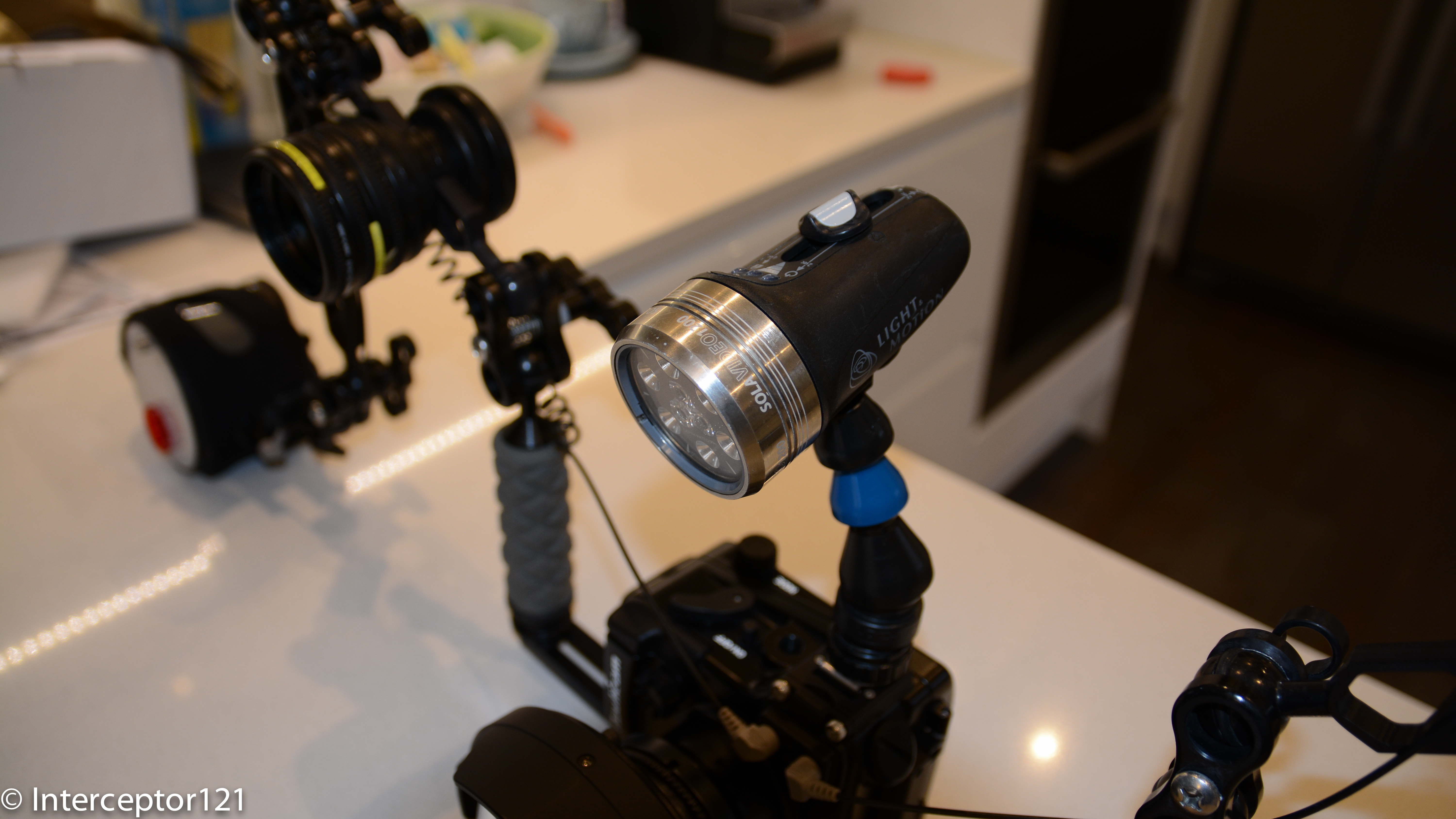
With the Z240 doing wonders as aiming light there is no real room for a focus light however I have a set of Sola Video 1200 and what I like is that you can use them as dive light. I have connected them with a locline cold shoe, this will soon change to a ball mount, as the cold shoe is on the left side. Probably I will get a Sola Dive 800 so I can leave my two trays set for video and stills on the boat.
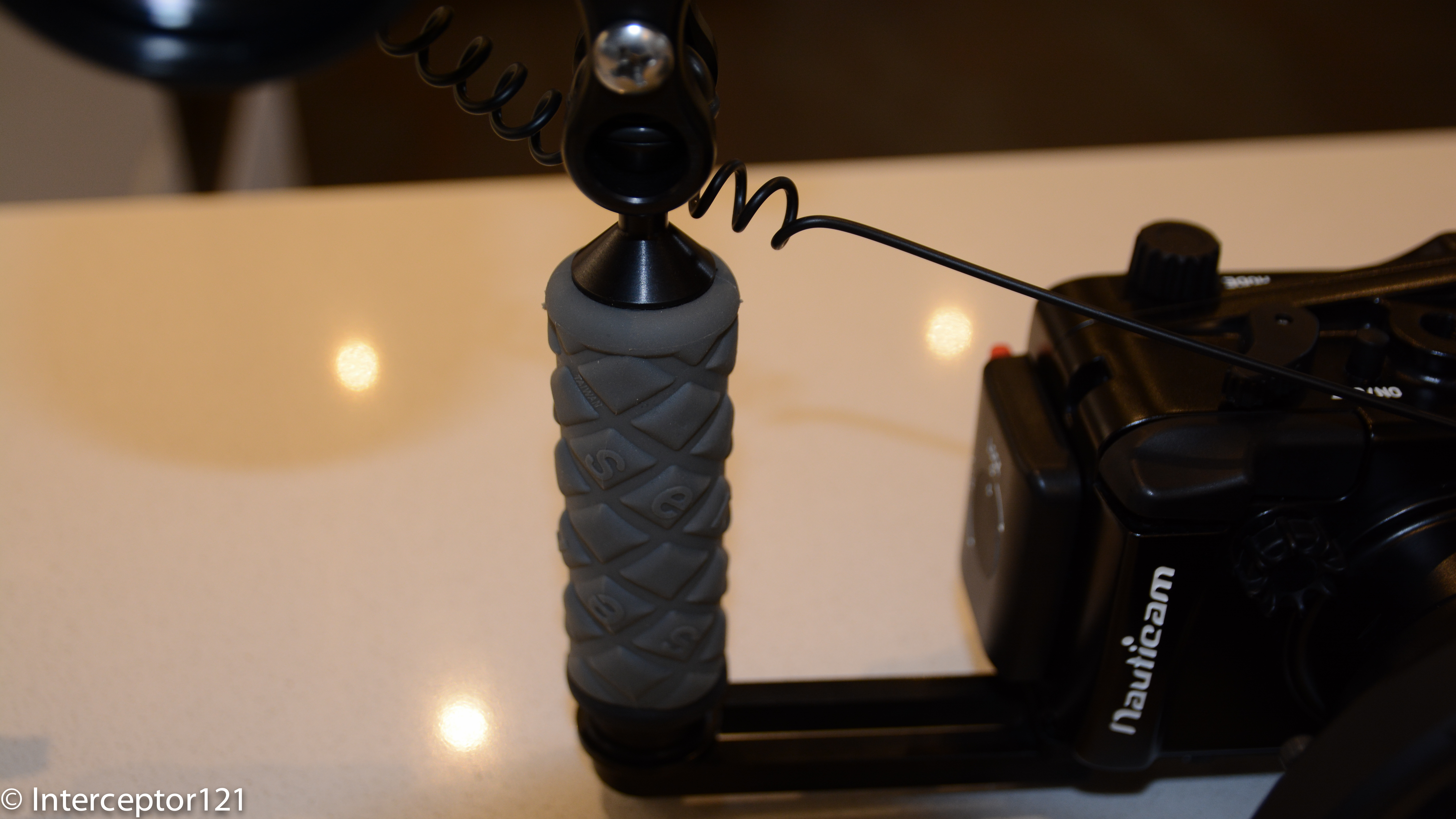
Left Handle Ultralight TR-DHB
Looking at the tray I use ultralight, it simple and sturdy and allows me to center the port in the middle of the tray.
The most attentive will see that the two handles have different colors.
Right Handle Ultralight AC-H
Why is that? Firstly I want to place the handles at maximum distance, second by placing two different handle I can ensure the ball is at the same height, this would not be true if I was using the same handle on both sides. I use a TR-DM with a TR-DUPL long extension to make the tray 30cm or 12″.
Sony RX100 Mark II Still Rig as of 2014 January 20th
So this is what it looks like, there will be floats on it, I estimate I need 8 floats to make the rig neutral with the lenses off. I am planning to place 3 on each 8″ arm segment and two on the tray however I might change this to 2 on each arm and a bespoke float on the tray bottom. I will run some test to see what works best.
So that’s all folks surely there will be questions and I look forward to answer them.
Just want to remind you that if you are in the market for a compact still or video rig I provide a personal shopper service for £30 or $45 that provides an end to end service on your budget where all you have to do is to call the shop to pay. Of course we would discuss any observations about the set up before this gets finalized, but am sure better to spend a little amount instead of making expensive mistakes!
UPDATE 9 June 2014 I have made some more changes to the rig the current version (never say final) is here
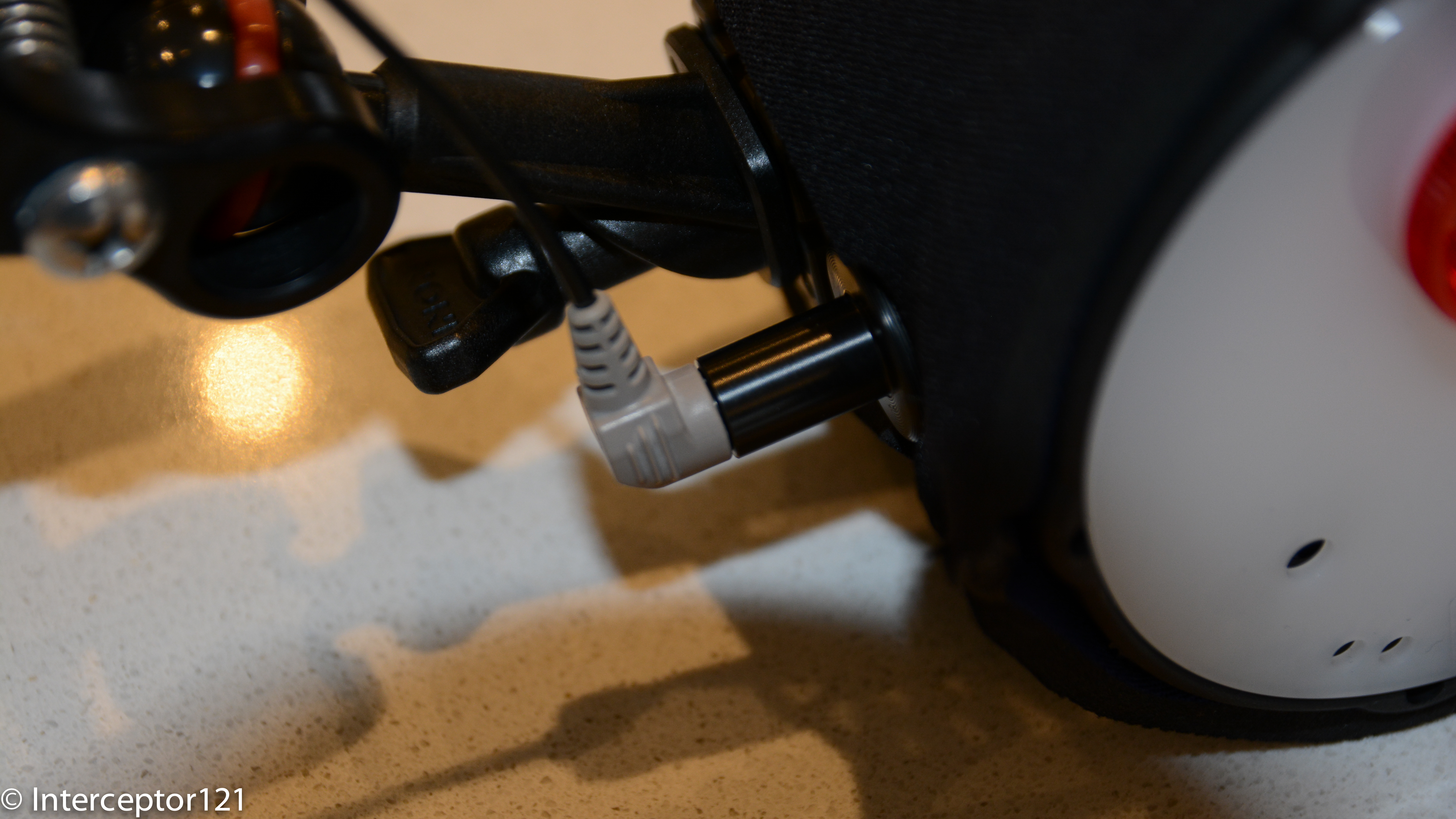
In this post I will investigate for your enjoyment the bulkhead connector available for the Sony RX100 Mark II and will see why this is unfortunately an accessory that is not worth buying. There are other ways to put the M16 port to use for example with a leak detection system but if were thinking of firing strobes using electrical sync cords then think again.
I was today at the London International Dive Show where I met Dr Alex Tattersall of Nauticam UK that also introduced me to Catherine Lai, daughter of Edward CEO and founder of Nauticam and herself operations director.
I felt a bit sorry when I had to explain why the bulkhead was not a workable solution and if you have a look at the youtube video you will understand why, this has been shot by my fiance’ on an iPhone so apologies for the portrait format and occasional shake.
Right so if you didn’t manage to hear the audio or understand the subtitles here is the plain text explanation.
The bulkhead has a single X pin that connects to the center of the RX100 multi-shoe, now this is the same interface that is on the newer Nex and on the A7. The Sony multi-shoe has a complex 21 pin interface that used with compatible accessories can trigger an external TTL flash.
In order for an external device to be recognized the interface of the connector need to connect to the 21 pin slot not just to the center. Nauticam bulkhead adapter is not so complex and only connect only on the center pin.
So the result is that the external connection is not recognized and if you leave the flash set to fill flash, as you would do with an optical connection, the internal RX100 flash pops out and fires away negating the benefit of the electrical connection.
So in order to make it work you need to set the internal flash to OFF. As the pin on the multi-shoe is always live this works perfectly so when you press the shutter the nikonos interface triggers the external strobe which is what should happen.
The little but significant inconvenient is that if you set the flash to off the LCD goes pretty much black as the RX100 has live view on the LCD and only lights up when you half press the shutter. This means is practically impossible to compose any shot unless you have a really bright focus light or there is sufficient ambient light. In any case for a close focus wide angle shot that you will take with this camera with apertures between f/8 and f/11 the screen will look pitch black as in the video even if you set the LCD to sunny weather.
Whilst the A7 and Nex have an option to disable live view in the LCD, the RX100 does not have such option so you are pretty much done and this accessory is not worth buying as it also introduces an additional point of failure for the housing and one for each strobe.
So the supposed big advantage of the Mark II goes out of the window, time to despair? Not at all!!!
I had the impression that the internal flash was recycling much faster than the original RX100, well I have done some tests and I can confirm what imaging-resource has measured: the flash recycling time at full power goes from 7.2 sec of the RX100 down to 4.4 seconds of the Mark II.
Now this is significant because after your shot you need anyway 2 seconds to recharge the strobes and look at the image preview after the shot and probably another 2 seconds to recompose the shot, at that time the RX100 Mark II will be ready to shoot again at full power.
The improved CIPA rating of the Mark II also means well in excess of 200 shots at full flash before having to change the battery so there is no big deal that the electrical option is not workable, get yourself a twin set of Inon Z240 (my current favourite) or Sea and Sea YS-D1 and you will have no issues compared to any other compact as the RX100 Mark II has the highest CIPA rating of all compacts on the market that are good underwater.
In fact the most significant improvement of the RX100 Mark II in addition to the better performance in low light is certainly the strobe recycle time, from 7.2 to 4.4 is nearly a 40% improvement and the Mark II is faster to recycle than a Canon S120 although not as fast as the G15 or as fast as the Panasonic LX7 or Olympus XZ2. However we are talking about 1.2 seconds difference I doubt that is such a big deal
Clearly the RX100 Mark II is the best compact camera for both still and videos and I look forward to shooting more stills with it.
So after a few months since I got the Nauticam housing I finally had the time to get in the water and try it on.
I was in Barbados for a week and although the diving was not exactly outstanding I did have enough to test the camera behavior.
The link to the videos are here for YouTube at 1080p
or if you prefer Vimeo at 720p
The footage was all taken at 1080p50 the highest mode of the RX100. The RX1oo can work in both PAL and NTSC standard but I chose the PAL mode just to avoid the annoying NTSC message at startup. The clip has been edited with iMovie 9.0.9 and then exported in 1080p25 using Xencoder codec for quicktime in high profile. Youtube then reconverts it to its own specifications, but at least I have the highest possible starting point.
As mentioned the RX100 shoots at shutter speed of 1/100 in 50p mode and this suited me fine in case I wanted to produce a 60p clip for viewing on the computer as currently no online system supports it.
As discussed in the previous post I shot all wide angle in camera Program mode. This allowed me to use the left control wheel button to call the white balance set menu that in video is not available. I set the picture format to 16:9 so that would show similar on the screen. I did notice that when I actually started the movie recording the crop of the active steadyshot kicked in with a reduction of field of view of around 9 degrees or a 1.14 zoom equivalent.
However the active steady shot was well worth it as I have not used any stabilization for any part of this clip and therefore not introduced any extra cropping.
The wide angle shots with the RX100 are an absolute breeze when you use a filter and there is no need for custom white balance until it gets too deep to actually use a filter. I struggled getting decent results with custom white balance, the 9900 K error came pretty much every time except when in shallow water and balancing on sand. Also the results were off with too much magenta tint to the point I had always to correct it.
Ultimately I kept the filter and the camera in Auto White balance and did not bother doing a custom reading at all. The results were excellent.
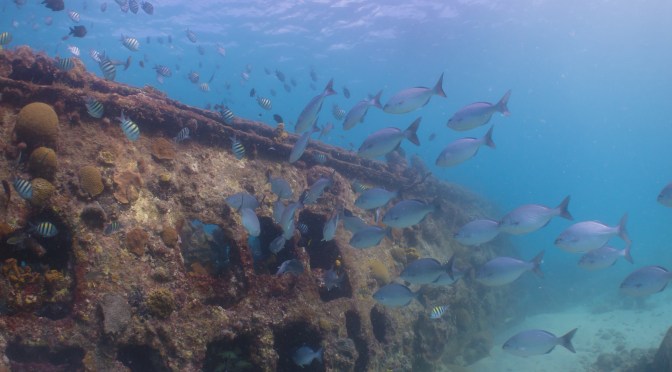
SS Stavronikita AWB
In deeper water the filter started making the image a bit dark so I took it off and used a temperature setting of 9900K with Magenta and Amber at the maximum.
For close up at distances over 20cm I still shot in program and had good results. When getting super close or macro I used Movie mode in Aperture priority mode with aperture set at f/11. Towards the end of the clip you can see a shot of a small pink frogfish that is done like that. The close up on the eye is shot with two stacked Inon UCL165 the depth of field is really small as you can see but still workable considering I hand held the camera at all time.
Pink Frogfish f/11
When I shot this arrow crab I had left the camera in program mode so it chose an aperture of f/5.6 you can see that whilst the mouth is in focus the arrow is not
Arrow Crab f/5.6
Similar situation with the pedersen shrimp where not everything is sharp in focus
Pedersen Shrimp f/5.6
Obviously I am being very exigent with my footage and in normal condition this is already good to very good.
So what I liked and what I did not like about the RX100 Mark II:
I liked:
The ergonomics and ease of use are outstanding
The camera performs incredibly well with a filter in auto white balance
The manual focus with peaking works extremely well
Dynamic range and colors are outstanding and not just for a compact
Image crisp even in the corners at f/1.8 compared to the Mark I this is extremely significant
The active stabilizer was great and meant to manipulation in post
Battery life is incredible
Performance in low light is excellent and better than the Mark I the camera never reached the ISO MAX of 800 I had set hitting a top of 640 at 30 meters
Autofocus at wide end in bright conditions is superb
The only think I hated was the custom white balance results an absolute disgrace, to the point that there is no benefit doing it. Not only that the few parts of the clip I had used it and correct it were still a bit off and required correction in post to a small extent.
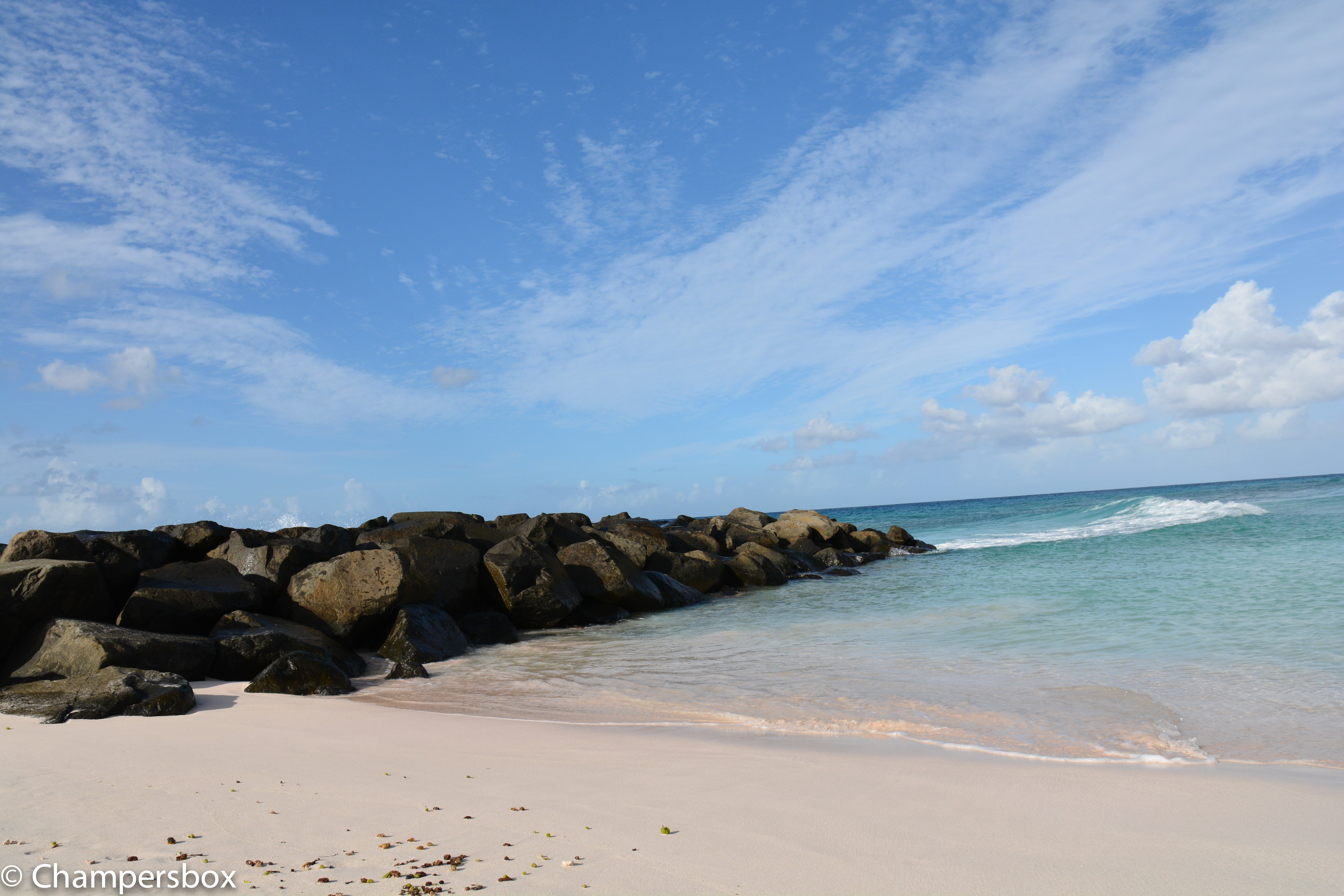
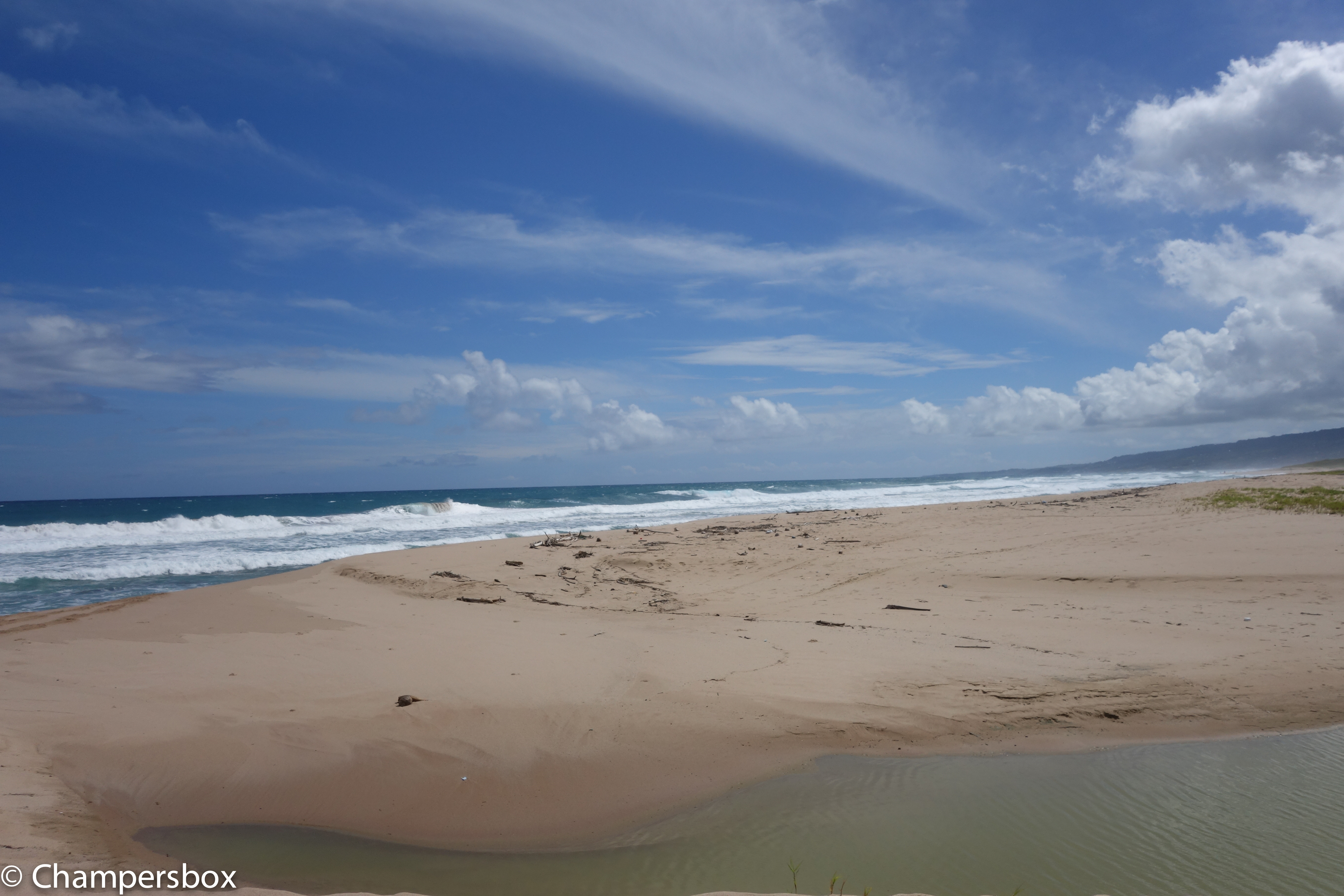
Also to consider some of the topside capabilities of the RX100 Mark II just to give an idea though this is not exactly the same location have a look as this shot with a Nikon D7100 with sigma 17-70 in comparison with the RX100 Mark II
Nikon D7100 Beach LandscapeRX100 Beach Landscape
There is a difference but considering the size of the RX100 and the fact it fits in a pocket I don’t think there can be that many complains. Obviously once you look at specific lenses for the DSLR things change but in the 28-100mm all purpose range I would say that the gap is not as much as double as the price of the two set ups.
So is the Sony RX100 the best compact underwater video set up? Definitely
Is the Mark II better than the original RX100? Yes and well worth an upgrade for video
How does it compare with the Panasonic LX7? The dynamic range and the colors are superior and produces footage that is simply better and sharper. Where the LX7 excels is at macro in clear waters, this is not because of magnification as the RX100 and LX7 perform exactly the same with diopters, and this is because of the LX7 amazing autofocus. However with a bit of silt or other objects in range there is need to switch to manual focus and there the RX100 is actually superior when using peaking even if the depth of field is actually less, the manual focus on the LX7 with the magnifier is not as good unfortunately.
So my ranking for video is:
1. Sony RX100 Mark II
2. Panasonic LX7
3. Sony RX100
I would also add that for stills the LX7 is even more rewarding at macro range due to the performance of autofocus.















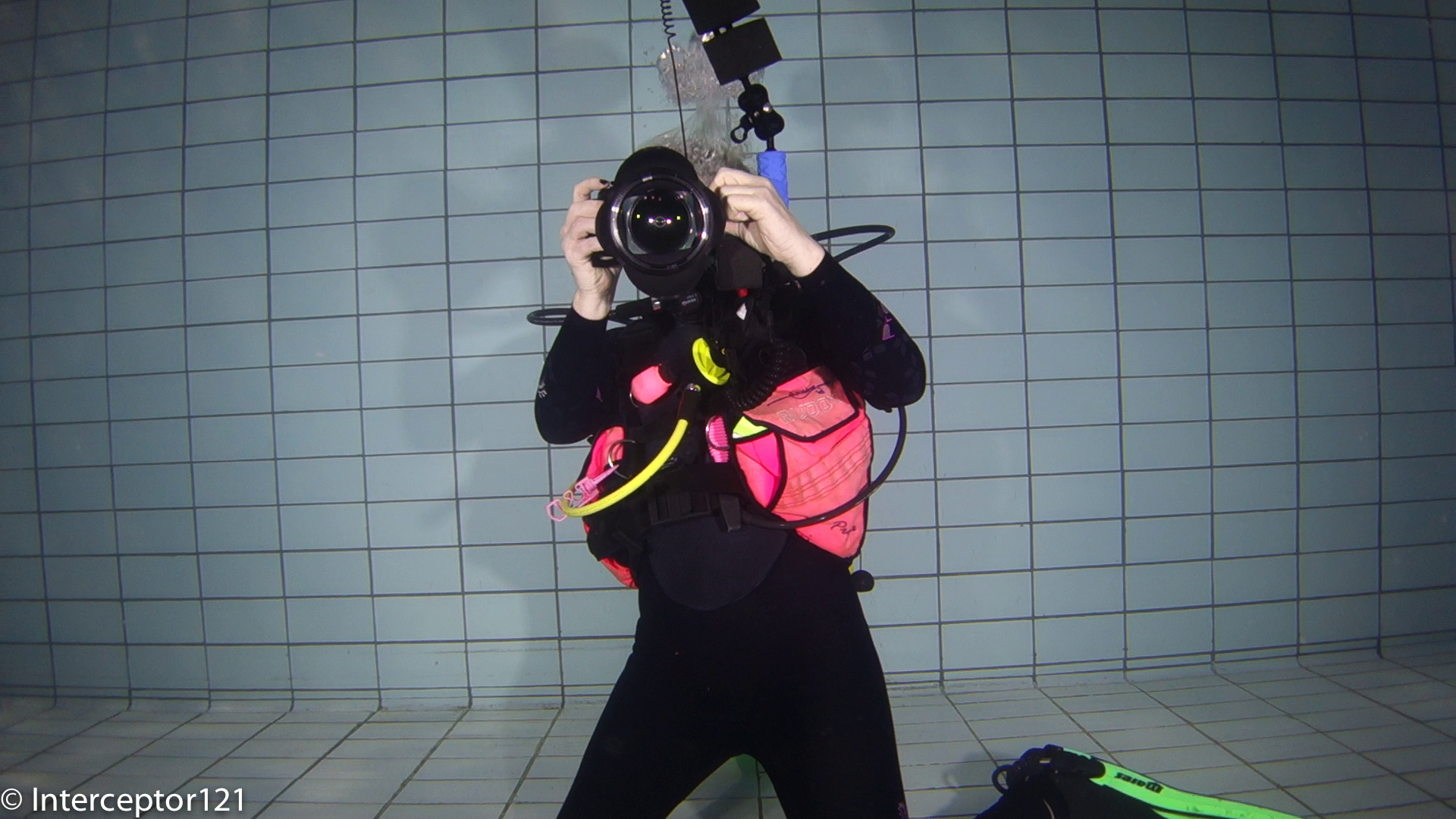
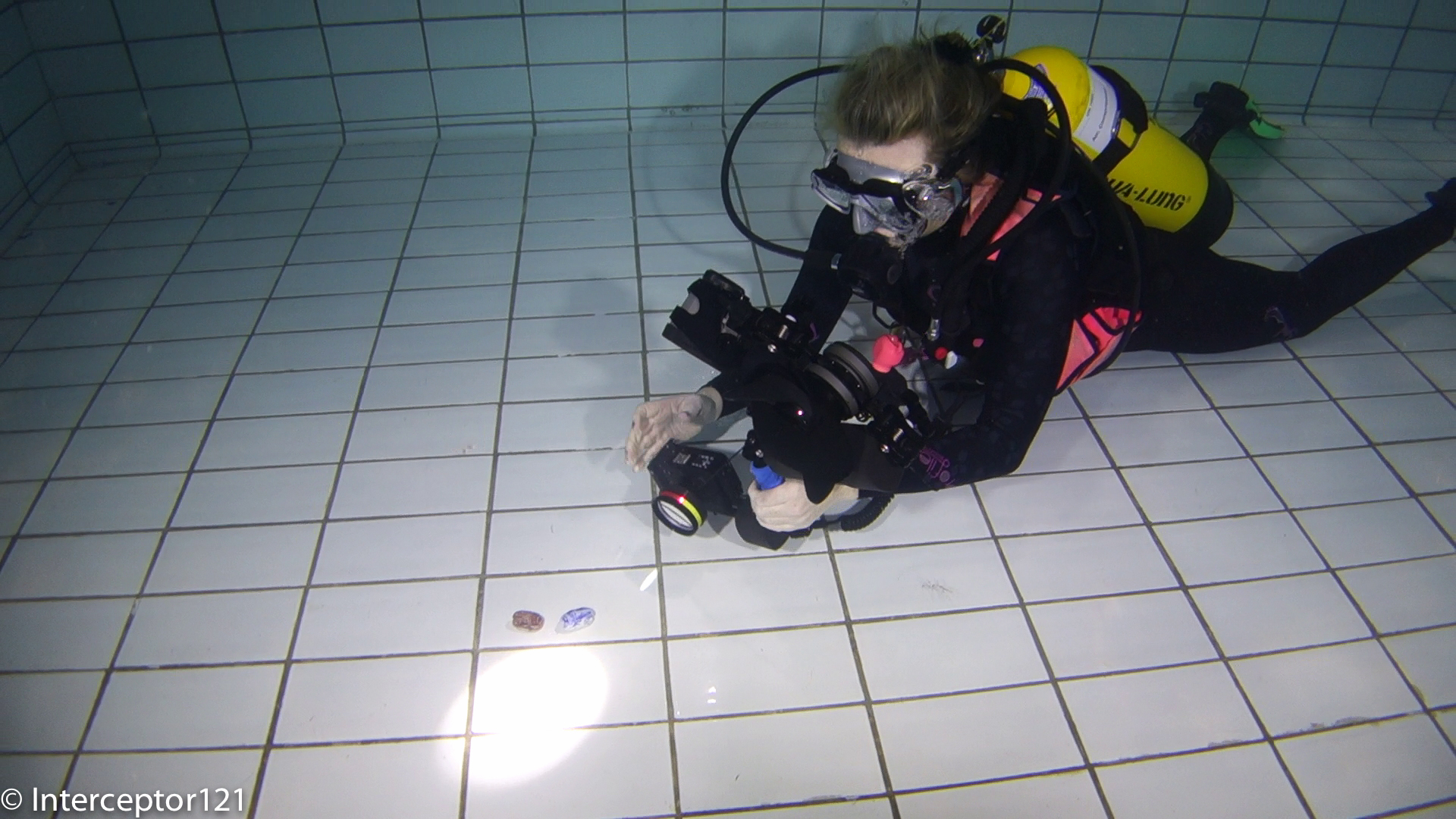
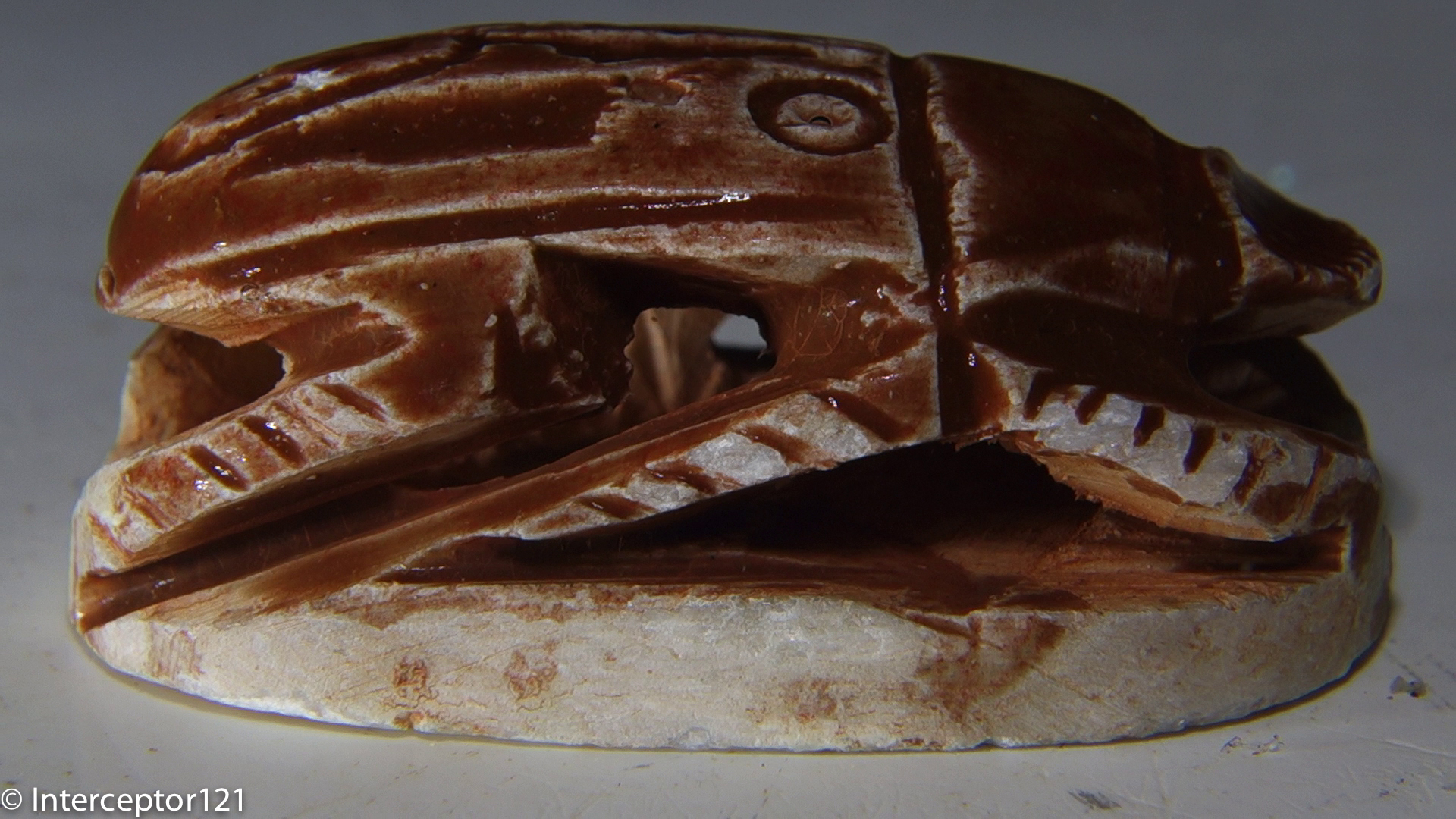







 Interceptor121 Photography & Video Workshops